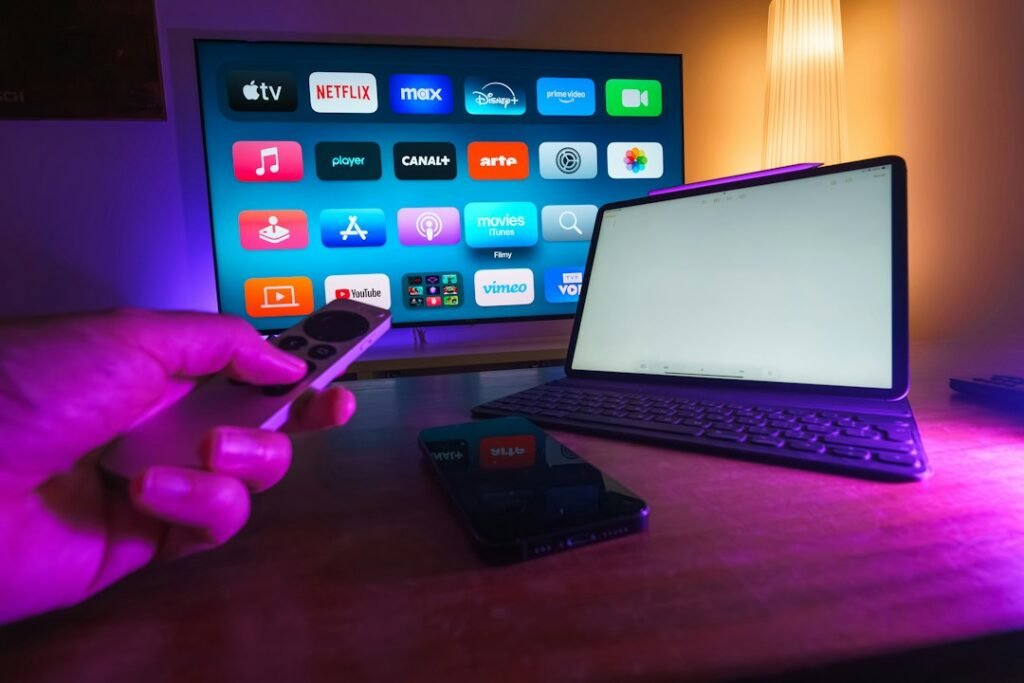
If Hulu watch history or saved titles are missing in Disney+, first check the account and linked profile, then check eligibility and content availability. Disney’s linking guidance does not promise that every Hulu title or every viewing event will appear, and it does not describe a complete two-way sync.
A missing title is therefore not enough to conclude that your Hulu history was deleted. Avoid deleting profiles or buying another subscription until you know whether the issue is the profile pair, the catalogue, a rating restriction, or an unsupported arrangement.
Identify exactly what is missing
Choose two or three examples and record the Hulu profile, title, approximate viewing point, and whether it appears in My Stuff or Continue Watching. Then check the intended Disney+ profile. Comparing specific items is more useful than saying that “everything disappeared,” especially if several household profiles have similar names.
Distinguish a title absent from the catalogue from a title present with missing progress. The first calls for an availability check; the second calls for a profile and linking check. Also distinguish a saved watchlist item from viewing history, because those are different forms of information.
Check the profile pair and account email
- Sign in to Hulu and identify the profile holding the information.
- Check the email associated with the Hulu subscription.
- Sign in to the Disney+ account associated with that arrangement.
- Open the Disney+ profile that was linked, not another household profile.
- Review the linking status or offered setup flow.
Our Hulu profile linking instructions explain the initial selection. If Disney+ asks for a new subscription, inspect entitlement or activation first; a billing prompt is not a reliable diagnosis of missing watch history.
Make sure the arrangement supports linking
Disney lists exclusions involving Hulu + Live TV, the Disney+, Hulu, HBO Max bundle, Hulu add-ons, and kids or under-18 profiles. The exact current eligibility should be checked against the official help page. Do not promise migration for an excluded plan or profile.
Some eligible Hulu arrangements may link automatically, while eligible bundles can offer a manual choice. The absence of the same screen used by another subscriber does not by itself establish a fault. Compare the plan and profile type before trying device fixes.
Check catalogue availability and ratings
Disney notes that some Hulu content is not available in Disney+. Search for the missing title in the intended profile and check its content-rating setting. A restricted profile can hide content even when another profile in the household can see it.
Watchlist limits can also affect which saved items appear. Prioritize verifying the titles you actually want to continue watching rather than assuming a long list must transfer perfectly. If a title remains available only in Hulu, use Hulu for that title instead of interpreting its absence in Disney+ as lost account history.
Understand the direction of updates
Under Disney’s supported linking guidance, Hulu viewing and My Stuff changes can be reflected in Disney+, but changes made in Disney+ do not necessarily return to Hulu. If you watched an episode in Disney+ and Hulu still shows the old progress, that can reflect the documented direction rather than a broken connection.
Do not repeatedly move a title in and out of both lists to force a bidirectional update. Choose which app you will use to continue that title and keep a note of the viewing point if needed. This is a practical workaround, not a claim that it repairs the underlying data.
Rule out a display issue safely
If the arrangement is eligible and the correct profile is selected, update the app or compare the web interface on a supported device. Sign out and sign back in if the account appears stale. Check the same small set of titles again.
The official guidance linked here does not establish a guaranteed sync deadline. Do not label the process failed simply because an invented five-minute or 24-hour window has passed. Equally, do not promise that waiting indefinitely will restore unsupported content.
Contact Disney support with the plan, linked profile pair, device, examples and whether the titles are available in each app. Redact billing details from screenshots and keep passwords and one-time codes private.
Protect existing information
Keep the Hulu profile while investigating. Deleting and recreating profiles is a poor first troubleshooting step when the problem concerns history. Ask support about recovery or correction before making an irreversible change.
For live recordings, use Hulu + Live TV’s supported app and DVR path; this profile-history guide does not establish DVR migration. For broader app-transition concerns, read the confirmed and uncertain Hulu changes.
Frequently asked questions
Is all missing history recoverable? No universal recovery promise is established here. Identify the cause and ask official support about the specific data.
Should I buy Disney+ again? Check the existing account, included services and activation first. A duplicate purchase does not repair a profile link.
Can I force Disney+ changes back into Hulu? The current help guidance does not promise that reverse update.
Official reference
Reviewed October 11, 2026: Disney+ profile linking and information limits.
 How to Interview a Celebrity: Questions, Preparation, and Ethics
 How to Become a TV Presenter: Skills, Training, and First Jobs
 What Is a Celebrity Hall Pass? Meaning and Relationship Boundaries




