You can sideload apps or use trusted third-party stores, but expect security and policy risks.
I’ve worked with Android devices and mobile workflows for years, so I know the common reasons people search for how to download apps without verification. This guide explains safe, legal options, step-by-step methods for Android, realistic limits on iOS, and how to reduce risk when you want to download apps without verification. Read on for practical tips, real-world examples, and clear warnings so you can make an informed choice.
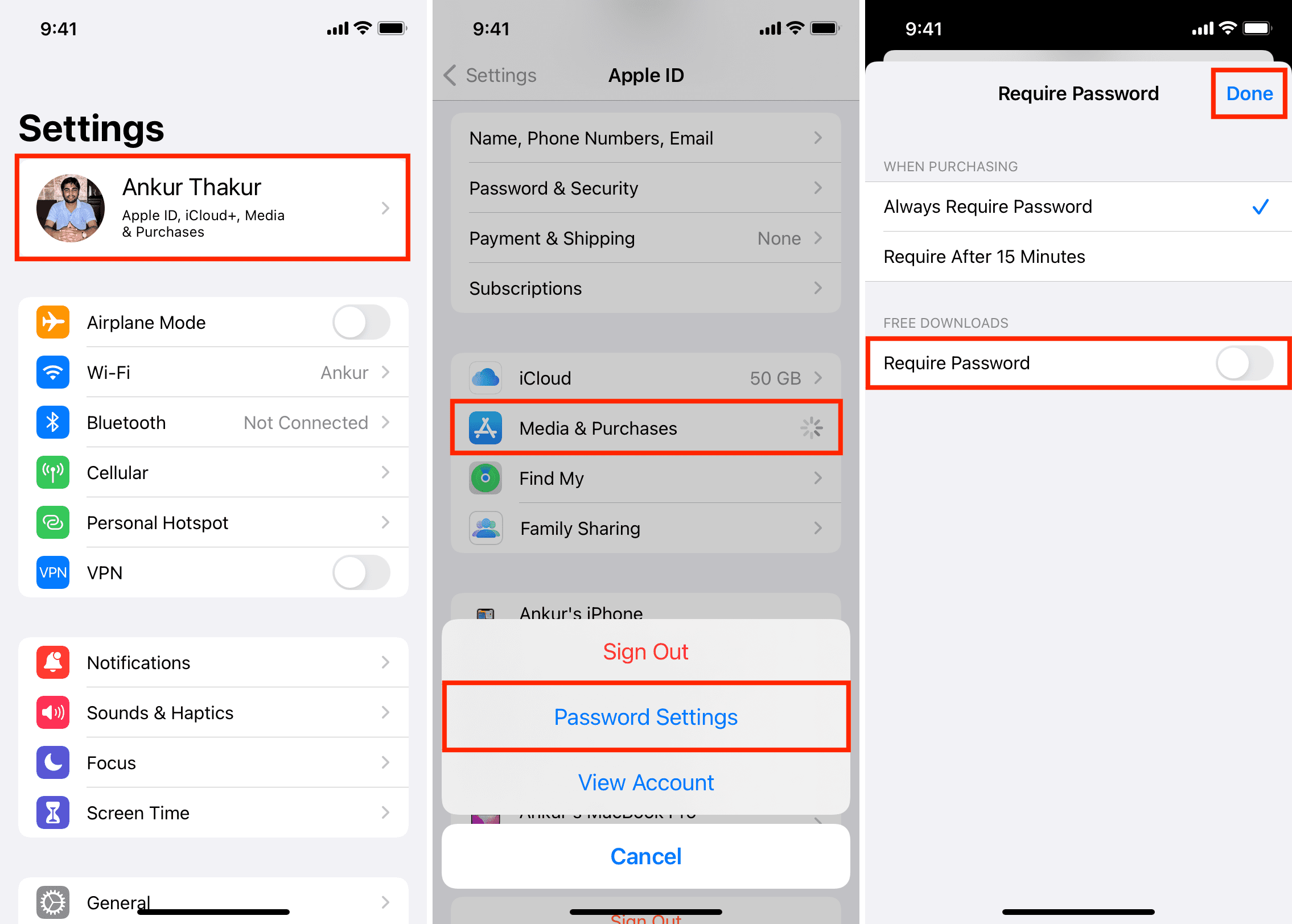
Why device verification exists and what it checks
Verification protects users and devices from harmful or noncompliant apps. Verification checks include app signatures, store metadata, malware scans, and account authentication. Platforms use these checks to ensure app integrity and user safety.
Why does this matter when you want to download apps without verification? Removing those checks removes protective layers. That can let you install apps outside the official store, but it can also expose your device and data. Knowing what verification does helps you weigh benefits and risks.
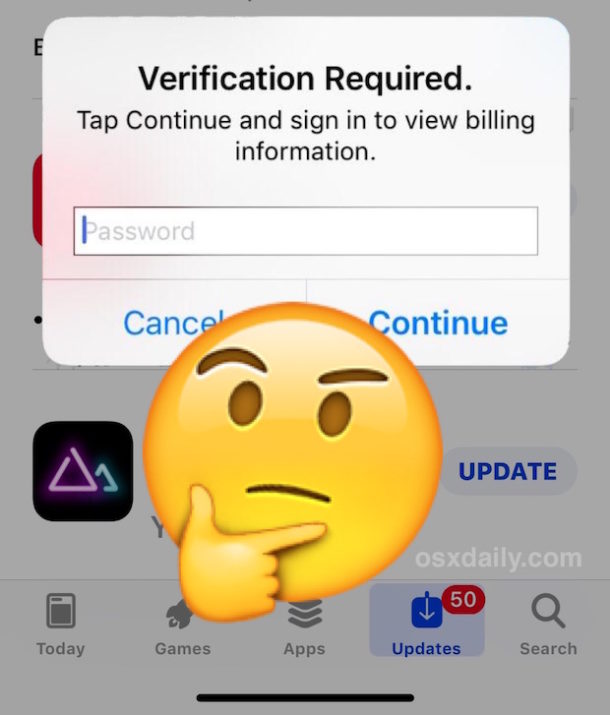
Safe and legal ways to download apps without verification
If your goal is to get apps without the store’s verification step, choose methods that keep safety and legality in mind. These options often let you bypass a verification popup while still using trusted sources.
- Use trusted alternative stores
- F-Droid for open-source Android apps
- Amazon Appstore where available
- Reputable mirrors that preserve app signatures
- Sideload APKs from verified sources
- Use sites that publish checksums and signatures
- Verify SHA256 checksums before installing
- Use developer or enterprise channels
- Install via ADB from a computer you trust
- Use MDM or enterprise deployment if available
- Use Progressive Web Apps (PWAs)
- Many apps have web versions you can add to your home screen
- PWAs avoid app-store verification entirely
These routes let you download apps without verification while keeping more control over risk. Always verify app integrity and permissions first.

Step-by-step: How to download apps without verification on Android
Below are clear steps I use when I need an app outside the Play Store. This explains how to sideload safely and how to use developer tools without bypassing essential protections.
- Prepare your device
- Back up important data first.
- Use a secondary device if possible.
- Choose a trusted app source
- Prefer F-Droid, APK repositories with signatures, or developer-provided APKs.
- Check user reviews and publisher identity.
- Verify the app file
- Compare SHA256 checksums when provided.
- Confirm app signatures if possible.
- Allow installation from unknown sources
- On modern Android: Settings > Apps > Special access > Install unknown apps, then select the installing app.
- Only enable for the app you use to install the APK.
- Install via file manager or ADB
- For ADB: connect via USB, enable USB debugging, run adb install app.apk.
- For file manager: tap the APK and follow prompts.
- Post-install checks
- Review app permissions.
- Scan with a mobile antivirus or upload the APK to an online scanner.
- Monitor battery and data use for the first day.
Follow these steps every time you download apps without verification. Rushing or skipping verification makes problems more likely.
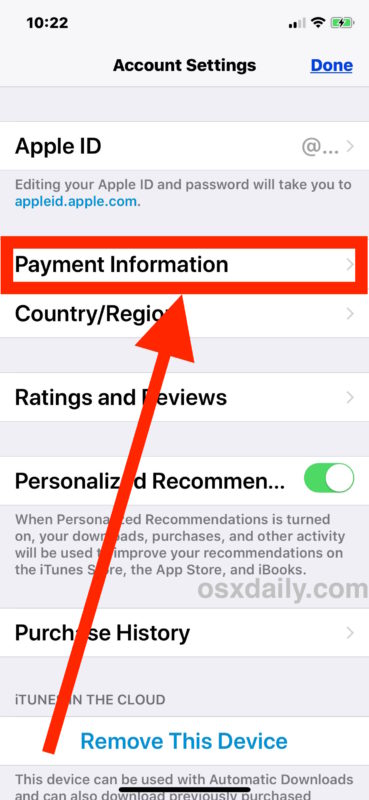
Alternatives and limits on iOS
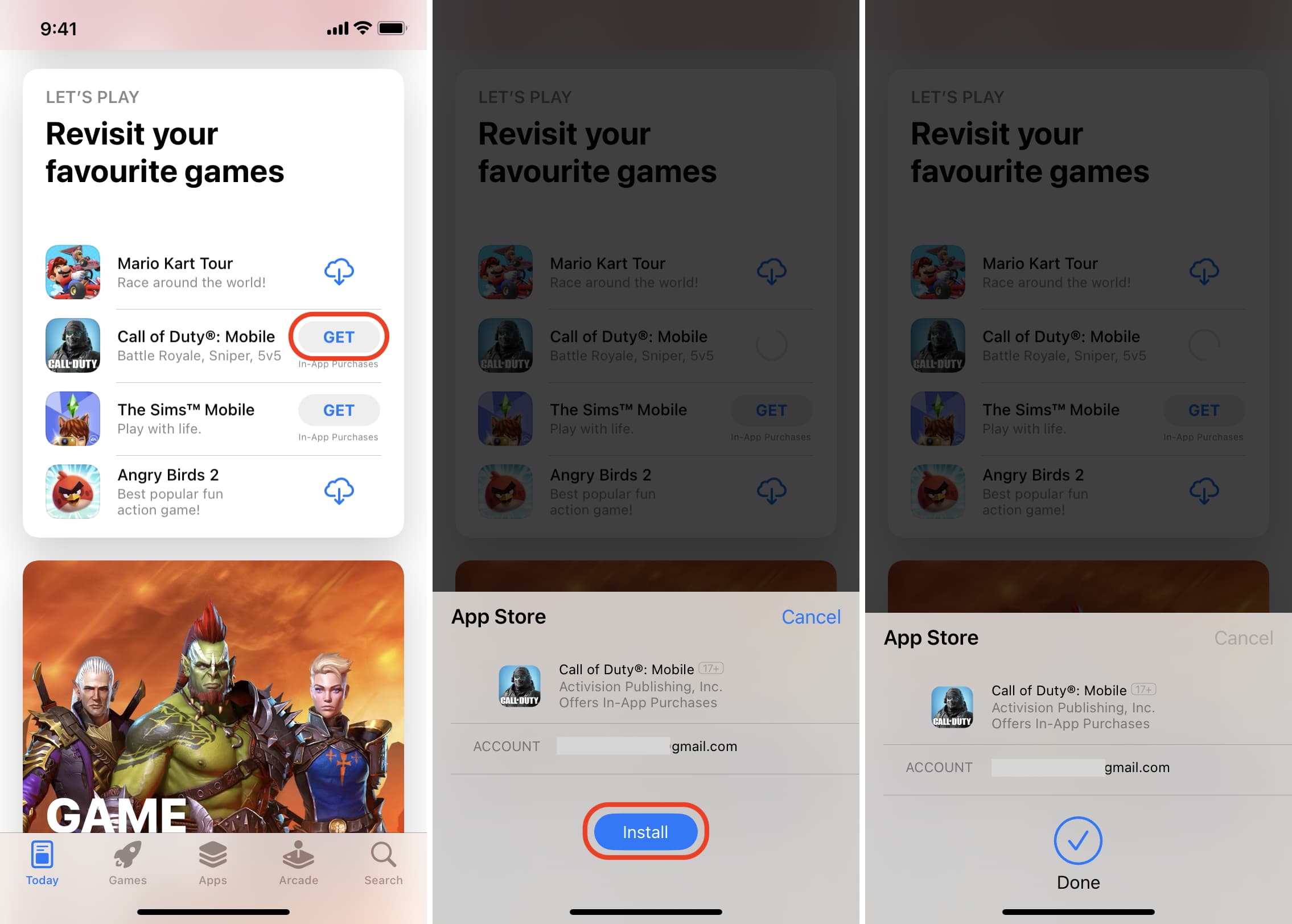
Downloading apps without verification on iOS is much more restricted. Apple ties app installs to the App Store and signed developer certificates. Options include:
- Use TestFlight for beta builds from developers.
- Use enterprise certificates for corporate installs, but these must be legitimate and can be revoked.
- Jailbreaking can allow unsigned installs, but it voids warranties, breaks security, and is not recommended.
If you use iOS, the safest path is to ask the developer for a TestFlight link or use web-based app versions. Trying to bypass Apple’s verification often risks account bans or loss of security protections.

Risks of trying to download apps without verification
Understanding risks helps you make safer choices. These are common hazards when you download apps without verification.
- Malware and spyware infections
- Data leaks and account theft
- App tampering and fake app copies
- Broken updates and compatibility problems
- Legal or policy violations that can suspend accounts
I once installed a utility APK from an unofficial mirror without checking the checksum. The app ran fine but requested odd permissions. I removed it within hours and reinstalled from a trusted source. That experience taught me to always verify signatures and use isolated test accounts.
How to reduce risk when you download apps without verification
Here are practical defenses I use and recommend. They make it far safer to download apps without verification.
- Verify checksums and digital signatures
- Use antivirus and manual scans
- Install in a work profile or secondary user account
- Run apps in a sandbox environment or emulator first
- Keep OS and security patches current
- Limit app permissions to what the app truly needs
- Use secondary devices for untrusted installs
These simple steps reduce the odds of a bad outcome when you download apps without verification.
Personal experience, mistakes, and lessons learned
I have sideloaded apps for testing and for using older app versions that aren’t in my region. Here are three lessons from that work.
- Never skip checksum or signature checks. I once overlooked a signature mismatch and it cost me time cleaning the phone.
- Use a test account. If an app requests account credentials, use a throwaway account first to test behavior.
- Prefer open-source apps. They are easier to verify and audit.
These habits turned risky sideloads into manageable tests. They helped me maintain device health while still getting necessary tools.
Frequently Asked Questions of how to download apps without verification
Is it legal to download apps without verification?
Legality depends on the app and jurisdiction. Installing apps you own or that developers provide is generally legal, but bypassing paid licenses or violating terms of service can be illegal or breach agreements.
Can I sideload apps on any Android phone?
Most Android phones allow sideloading using Install unknown apps or ADB. Some carrier or enterprise-locked phones may restrict this feature.
How do I check that an APK is safe?
Verify the app’s checksum, confirm the developer signature, scan with antivirus tools, and read community feedback. Use multiple checks before installing.
Will sideloading void my warranty?
Sideloading alone usually does not void a warranty. Jailbreaking or rooting can void warranties and remove protections.
What if an app asks for too many permissions?
Deny or uninstall apps that request unnecessary permissions. Use permission managers or Android’s built-in permission controls to limit access.
Conclusion
Downloading apps without verification can solve real problems, but it raises real risks. Use trusted sources, verify files, keep backups, and prefer safe alternatives like PWAs, TestFlight, or reputable third-party stores. Start small: test on a secondary device, check signatures, and monitor behavior. Take control wisely and protect your data.
If you found this helpful, try one safe sideload step today, subscribe for updates, or leave a comment with your questions.





