
You generally cannot run iOS apps on Android without special emulation, virtualization, or conversion tools.
I’ve spent years testing mobile tools and building apps. This guide explains how to run iOS apps on Android with clear steps, realistic expectations, and safe options. You will learn practical methods, why direct compatibility is hard, legal and performance trade-offs, and which tools are worth trying.

Why iOS apps don’t run on Android natively
iOS and Android use different architectures. iOS apps are packaged as IPA files and expect Apple frameworks. Android apps use APK files and the Android runtime. That gap makes direct execution impossible on most phones. If you want to run iOS apps on Android, you need an emulator, a cloud stream, or a recompile. Each approach has pros and cons and different technical limits.

Main methods to run iOS apps on Android
There are four practical routes to try running iOS apps on Android. Each route fits different needs and skill levels.
1) Emulation and compatibility layers
Emulators mimic iOS internals on Android. They try to translate system calls and frameworks. Emulation can let some simple apps run. Heavy apps often fail or run slowly. Popular projects are experimental and incomplete. Emulation is best for testing small apps or demos.
2) Virtualization and cloud streaming
Cloud streaming runs the iOS app on a remote server and streams the UI to your Android phone. This avoids local compatibility issues. It needs a good internet connection and may cost money. Virtualization gives the most compatibility for demanding apps. Expect some input lag and occasional glitches.
3) App ports and rewrites
Developers often port apps from iOS to Android by rewriting code. This is the most reliable option. Cross-platform tools can help here. If you want many iOS apps on Android, learning how to port or finding ported versions is the long-term fix.
4) Cross-platform frameworks and recompilation
Some apps are written in shared code with frameworks like React Native or Flutter. If the app uses shared code, it may be easier to recompile for Android. Recompilation only works if source code or build systems are available. It is not a shortcut for closed-source iOS apps.
If you aim to run iOS apps on Android, choose the method that matches your app’s complexity, legal constraints, and budget.
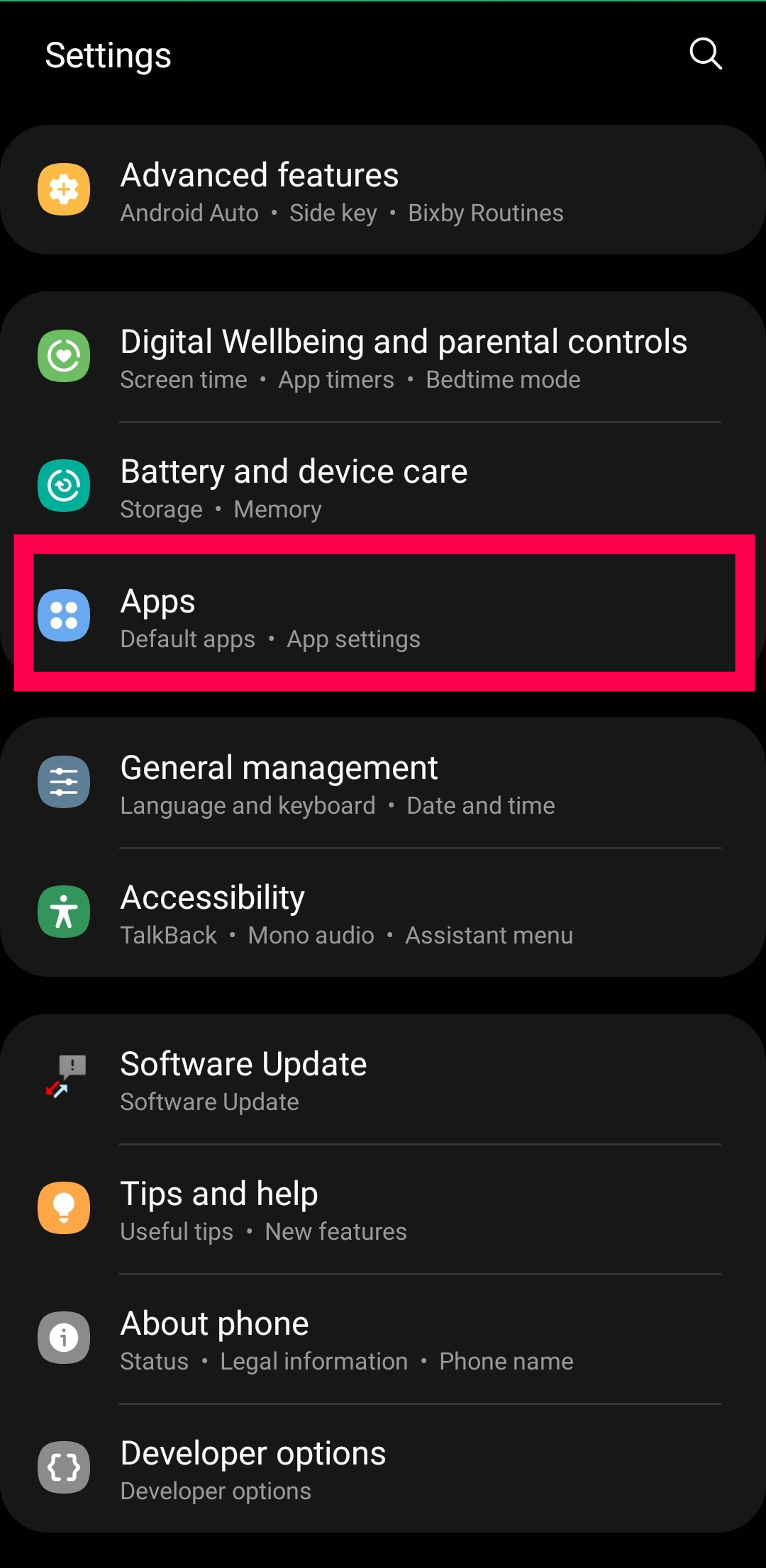
How to try an emulator or cloud streaming step-by-step
This section gives a practical path to test an iOS app on Android safely.
- Check legality and permissions first.
- Choose an approach: emulator for trial, cloud streaming for better compatibility, or porting for full support.
- For emulation:
- Download a trusted emulator build from a reputable project.
- Use a test IPA you own or have permission to use.
- Install and configure the emulator on a high-end Android device.
- Test basic features first like UI, audio, and input.
- For cloud streaming:
- Select a provider that supports iOS app streaming.
- Upload your IPA or request a hosted instance.
- Connect from your Android device and test latency and controls.
- For porting or recompiling:
- Get source access or contact the developer.
- Identify shared libraries or platform-specific code.
- Rebuild UI and system calls for Android.
- Test on multiple Android versions and screen sizes.
During all testing, document errors and performance. This helps refine the approach. If you want to run iOS apps on Android reliably, plan for iterative work and testing.

Performance, legal, and security considerations
Running iOS apps on Android raises practical and legal issues. Be mindful of each.
- Performance
- Emulation is CPU and memory heavy. Expect lower framerates and battery drain.
- Cloud streaming uses network bandwidth and can show input lag.
- Legal and licensing
- IPA files may be copyrighted. Running or distributing them without permission can breach terms.
- App store policies may forbid repackaging or virtual distribution.
- Security
- Emulators from unknown sources can include malware.
- Cloud services may access private data. Check their data handling and privacy policy.
- Compatibility and updates
- Many iOS APIs are proprietary. Some features will not work or will break after iOS updates.
- System-level features like Apple Pay or iMessage are not available on Android through emulation.
Always verify licenses and use reputable services. When in doubt, contact the app developer for permission or an official Android port.

Personal experience, tips, and mistakes to avoid
I tested several emulators and cloud options over the years. Here’s what I learned the hard way.
- Start small. Try simple utilities before games or multimedia apps.
- Use a powerful Android device. Older phones struggle with emulation.
- Expect frequent crashes. Log errors and update the emulator often.
- Don’t rely on one method. If one path fails, try cloud streaming or ask the developer about a port.
- Avoid pirated IPAs. I once lost time to a corrupt IPA and had to rebuild clean copies.
A key lesson: running iOS apps on Android is often experimental. Treat each success as a workaround, not a universal solution. Maintain backups and a rollback plan.
Alternatives and realistic long-term solutions
If your goal is regular access to iOS apps on Android, consider alternatives that are more sustainable.
- Ask the developer for an Android version.
- Look for official cross-platform builds on the Play Store.
- Use web versions when available. Many apps have web or progressive web app options.
- Learn porting tools if you develop apps. Shared codebases reduce future work.
If you need the app for work or productivity, invest in a supported solution rather than relying on fragile emulation. This will save time and reduce risk.
Frequently Asked Questions of how to run ios apps on android
Can I install an iOS app directly on Android?
No. iOS and Android use different package formats and runtimes. You need emulation, cloud streaming, or a port to run an iOS app on Android.
Are there reliable iOS emulators for Android?
There are experimental emulators, but they are limited. Most work best with simple apps and often lack full compatibility.
Is cloud streaming a good option to run iOS apps on Android?
Yes for compatibility. Cloud streaming runs the app remotely and streams it to your device. Expect network latency and potential costs.
Are iOS features like Apple Pay available on Android via emulation?
No. System-level and proprietary features rarely work through emulation or streaming. They require Apple services or hardware.
Is it legal to run or share IPA files on Android?
It depends on licenses and permissions. Sharing or running IPAs without consent can violate copyright and app store rules. Always check terms.
Conclusion
Running iOS apps on Android is possible but rarely straightforward. Emulation, cloud streaming, and porting each have trade-offs in speed, cost, and legality. Start with small tests, use trusted tools, and prefer official ports when possible. If you want reliable access, contact the developer or use cross-platform options. Try one method, document results, and adapt your approach as you learn. Share your experiences below or subscribe for more step-by-step guides and tool reviews.





