Use Spotlight, App Library, Settings, and Screen Time to find hidden apps fast.
I’ve spent years helping people tidy iPhones and recover missing apps. This guide on how to locate hidden apps on iPhone explains clear, tested steps you can follow now. I’ll show simple searches, settings checks, and advanced checks so you can find hidden apps, learn why they disappear, and prevent it from happening again.
Why apps become hidden on iPhone
Apps can seem hidden for many simple reasons. Sometimes apps live in folders or on other home screen pages. Other times Apple features like App Library, app offloading, or Screen Time rules hide them. Enterprise profiles or restrictions can also remove app icons without deleting the app.
Quick methods to locate hidden apps on iPhone
Use these fast checks first. They are low-effort and often solve the problem.
- Use Spotlight search to find apps by name.
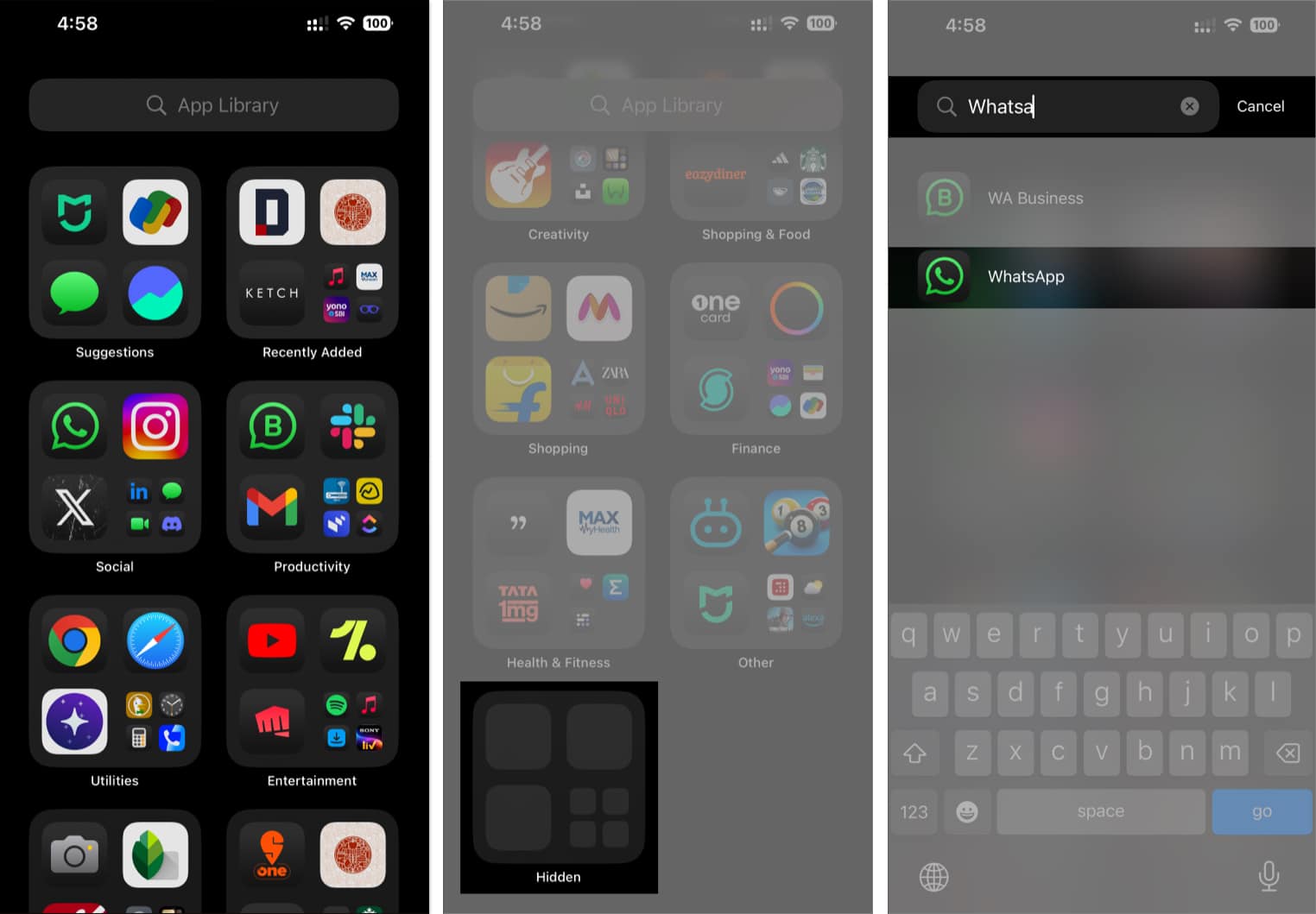
- Check App Library on the rightmost screen.
- Look inside folders and disabled home pages.
- Review Screen Time / Content & Privacy Restrictions.
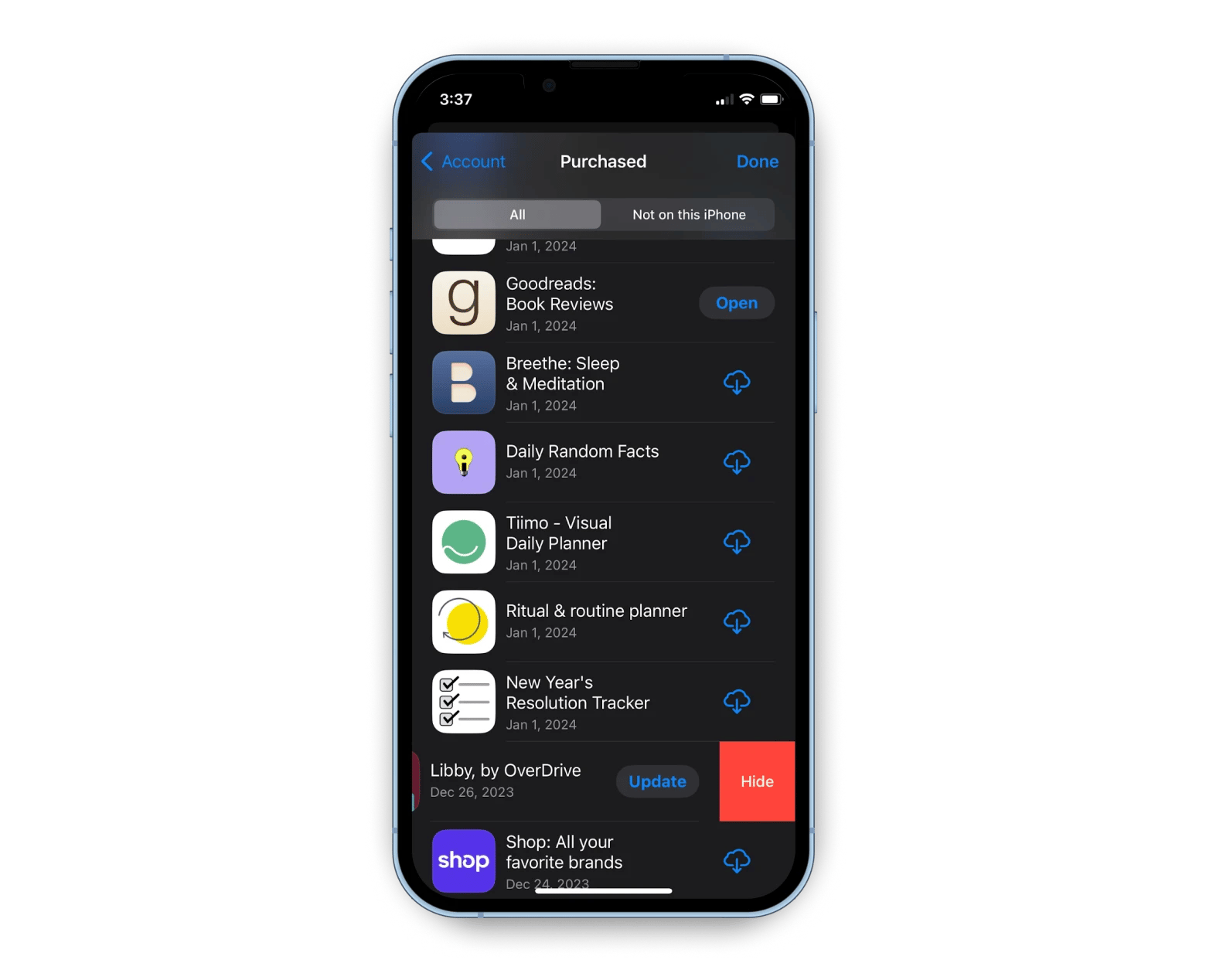
- Check App Store purchase history for missing apps.
Step-by-step: Practical ways to locate hidden apps on iPhone
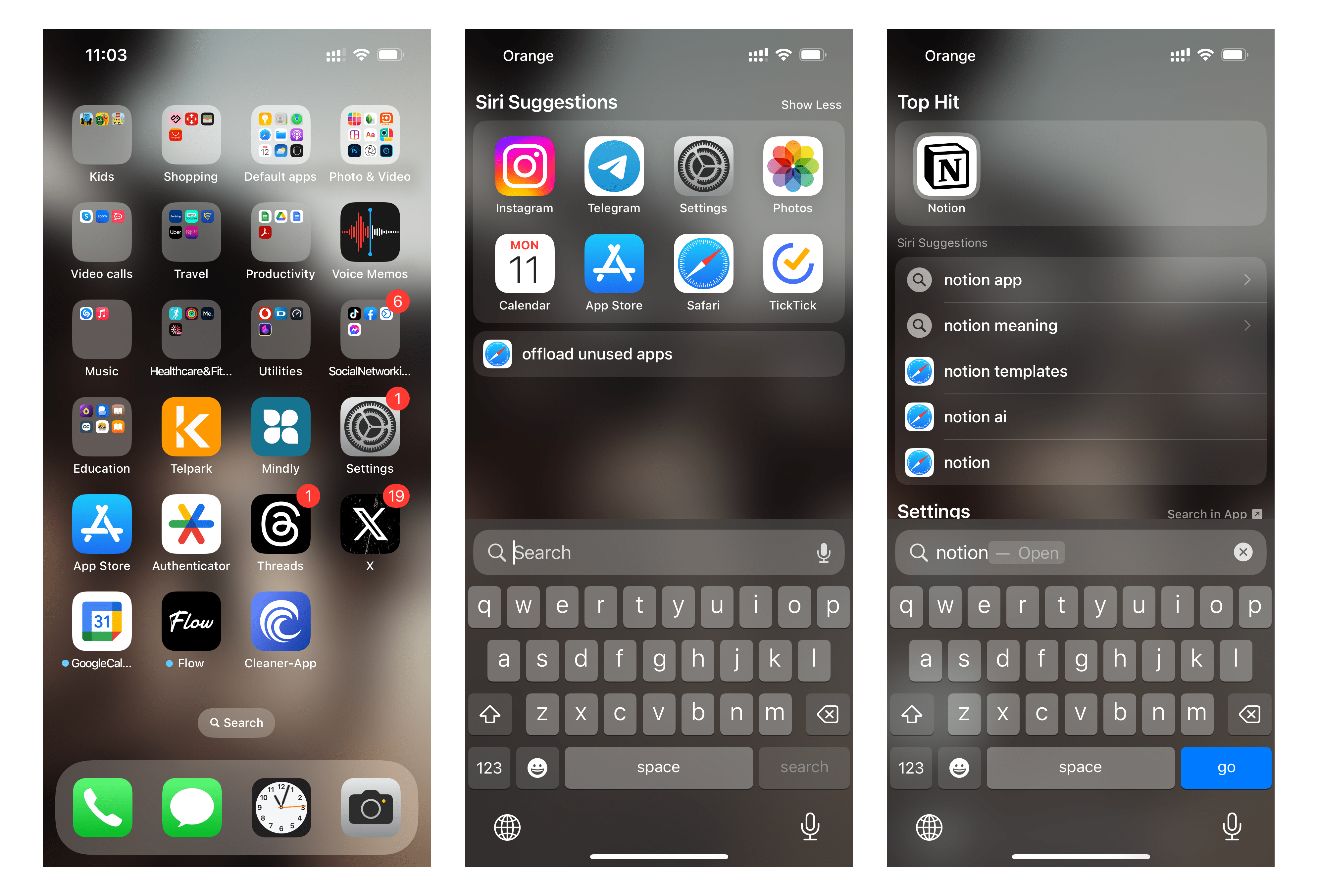
1. Use Spotlight Search
- Swipe down from the middle of any Home Screen.
- Type the app name into the search bar.
- If the app appears, tap it to open and note its location.
2. Check App Library
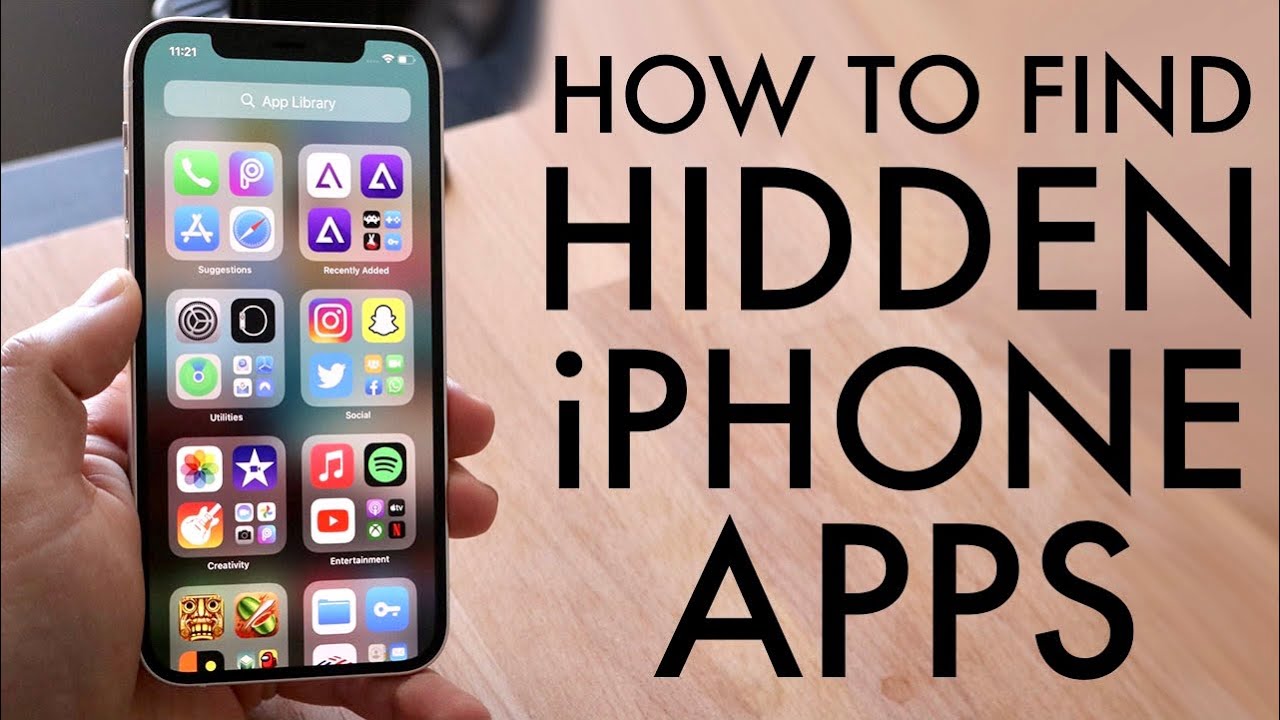
- Swipe to the far right Home Screen to open App Library.
- Browse categories or use the search field at top.
- If found, press and drag the icon to add it back to the Home Screen.
3. Inspect folders and other pages
- Open every folder; people often hide apps inside grouped folders.
- Swipe through all home pages; a disabled page might contain apps.
- Long-press the background and tap the dots at bottom to manage pages.
4. Verify Screen Time and Restrictions
- Open Settings > Screen Time > Content & Privacy Restrictions.
- Check Allowed Apps and App Limits that might block apps.
- Disable restrictions temporarily to see if the app returns.
5. Check Offloaded Apps and App Store purchases
- Open Settings > General > iPhone Storage and scan the list for offloaded apps.
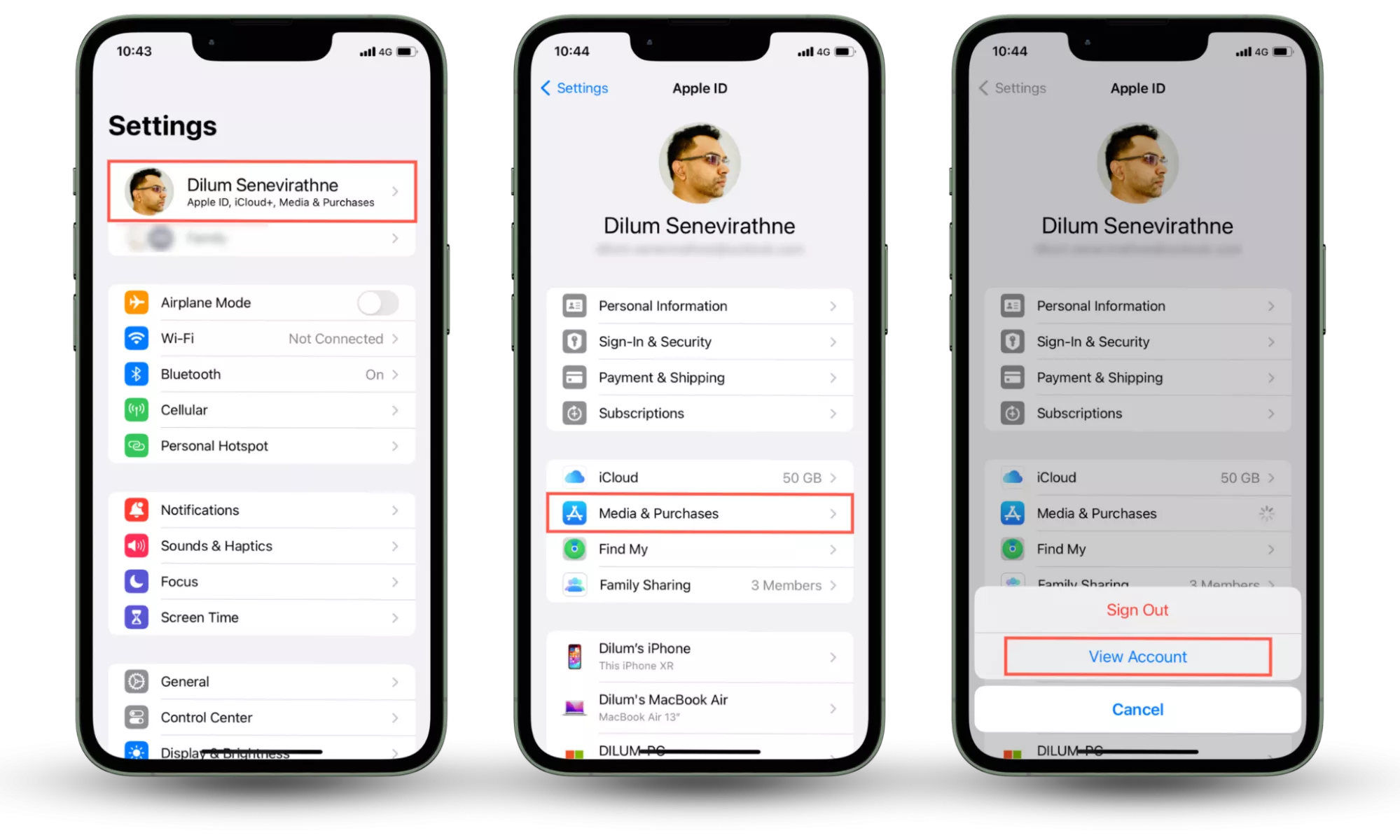
- Open App Store > your profile > Purchased to see all apps tied to your Apple ID.
- Re-download any app that was removed or offloaded.
6. Look at Profiles & Device Management
- Open Settings > General > VPN & Device Management (or Profiles).
- Enterprise or school profiles can hide or install apps.
- Remove a profile only if you understand the implications.
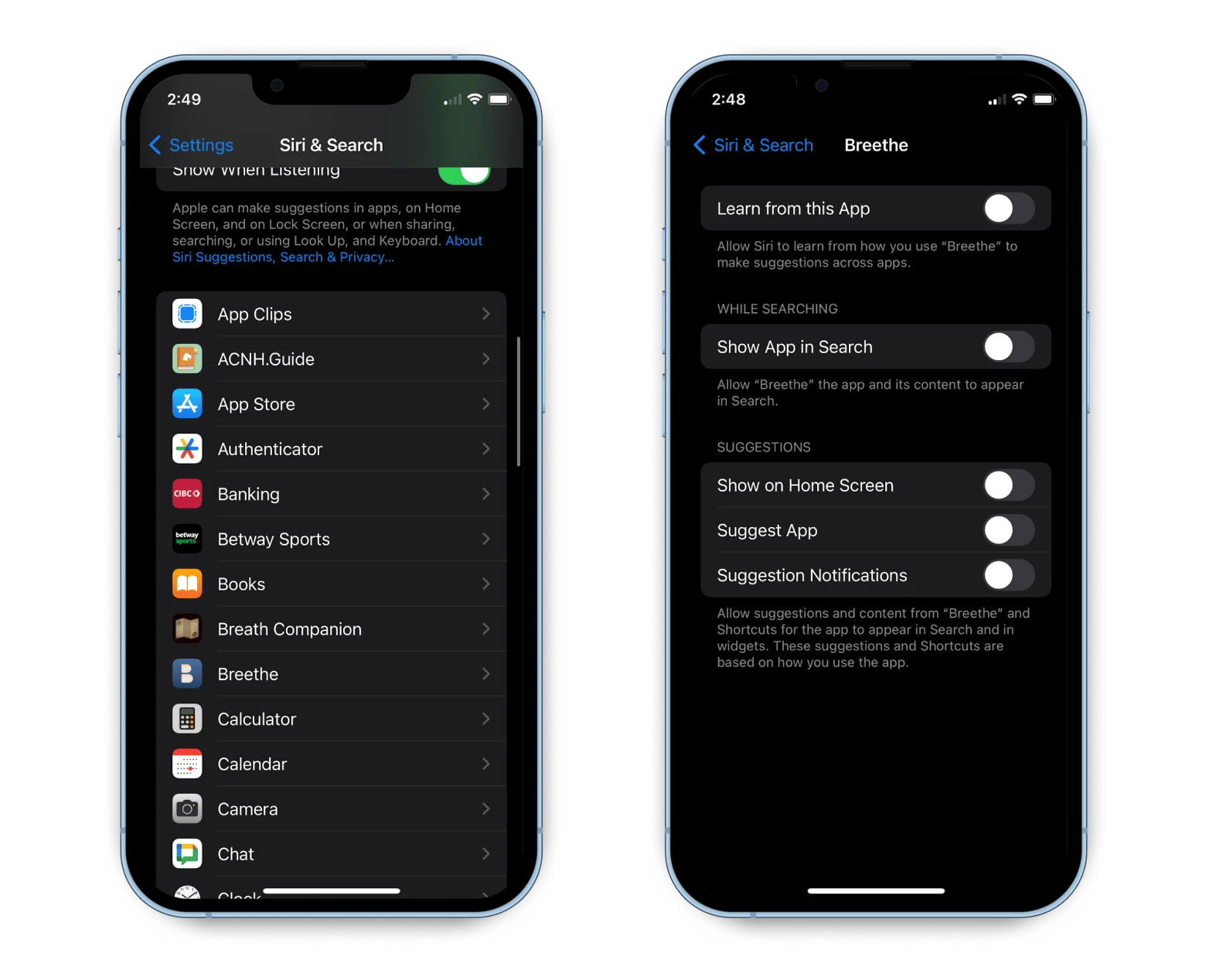
7. Use Siri and Shortcuts
- Ask Siri, “Open [app name].”
- If Siri can open it, the app exists but might be hidden or offloaded.
- Use Shortcuts to create a quick launch if the icon is missing.
8. Reset Home Screen Layout as last resort
- Settings > General > Transfer or Reset iPhone > Reset > Reset Home Screen Layout.
- This returns default icon layout and brings back apps to the main screens.
- It doesn’t delete apps but will rearrange your layout.
After you try the steps above, you will usually find hidden apps or know why they are missing.
Advanced checks and technical causes
Some situations need deeper checks. Mobile Device Management (MDM) used by schools or companies can hide apps. Bugs in iOS or a failed update can temporarily remove icons. Offloading saves storage by removing the app binary but keeping data and icon. Apple ID mismatches can make apps bought with another account appear missing.

Privacy, limits, and safety when locating hidden apps on iPhone
Respect privacy and laws. If the phone is not yours, ask the owner before changing settings. Disabling security or removing a profile can affect work or school access. Be careful when signing out of Apple ID or deleting profiles; these actions can remove data or access. When in doubt, back up the device first.

Personal experience and practical tips
I once helped a friend who couldn’t find a banking app. Spotlight found it, but the icon was inside a folder on the third page. Lesson learned: always search with Spotlight first. I also found that Screen Time rules often hide social apps for kids. My tip: create a short checklist to follow the next time an app goes missing. That saves time and avoids accidental resets.
Troubleshooting: When you still can’t find an app
If you can’t locate the app after these checks, try these steps. Restart the iPhone to clear small glitches. Update iOS to the latest version to fix bugs. Sign into the App Store with the correct Apple ID to re-download purchases. If the app is managed by an organization, contact the administrator.

Best practices to prevent hidden app issues
Keep a simple home screen layout and use named folders. Turn off unnecessary Screen Time rules or manage them carefully. Use one Apple ID for app purchases. Back up the device regularly so you can restore if something goes wrong. Periodically review Profiles & Device Management to ensure you trust installed profiles.
Frequently Asked Questions of how to locate hidden apps on iphone
How do I find apps hidden in folders?
Open each folder and expand nested folders if present. Use Spotlight to quickly find the app name and locate its folder.
Can Screen Time hide apps on my iPhone?
Yes. Screen Time limits or Content & Privacy Restrictions can hide or block specific apps. Disable or adjust restrictions to restore icons.
Will resetting Home Screen layout delete my apps?
Resetting Home Screen Layout only rearranges icons to default. It does not delete apps or app data, but it will remove custom folders.
How do I find apps hidden by a work or school profile?
Check Settings > General > VPN & Device Management for profiles. Contact your administrator before removing any profile.
What if Spotlight finds the app but the icon is missing?
If Spotlight opens the app but no icon shows, the app may be offloaded, on another Home Screen page, or inside a folder. Try re-adding from App Library or re-downloading from the App Store.
Conclusion
You now have a clear list of ways to locate hidden apps on iPhone. Follow the quick checks first, then move to settings and advanced options if needed. Try Spotlight, App Library, Screen Time, and profile checks before resetting layouts. Take action now: run through the checklist on your device, fix any restrictions, and back up your iPhone to avoid future surprises. If this helped, subscribe, leave a comment, or share your own tip for finding hidden apps.