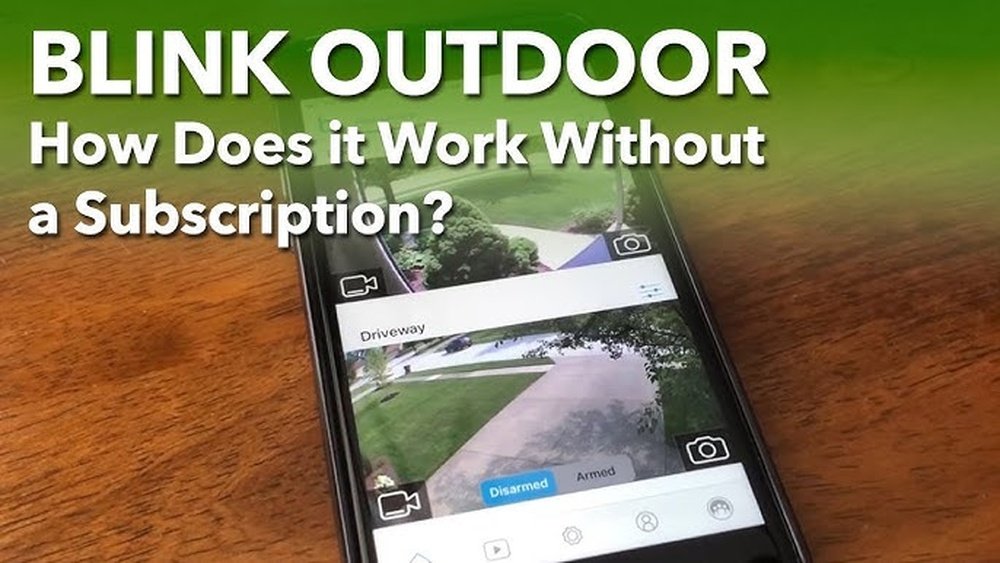
Are you wondering if your Blink camera can still protect your home without locking you into a monthly subscription? The good news is, yes—you can use Blink cameras without paying for a subscription.
But what exactly does that mean for your security and convenience? Can you still view live footage, get alerts, or review recorded videos without extra fees? In this post, you’ll discover the real differences between using Blink cameras with and without a subscription.
By the end, you’ll know exactly what features you keep, what you lose, and how to make the most of your Blink camera—whether you want to save money or enjoy the full experience. Keep reading to find out how Blink works for you, subscription or not.
Using Blink Cameras Without Subscription
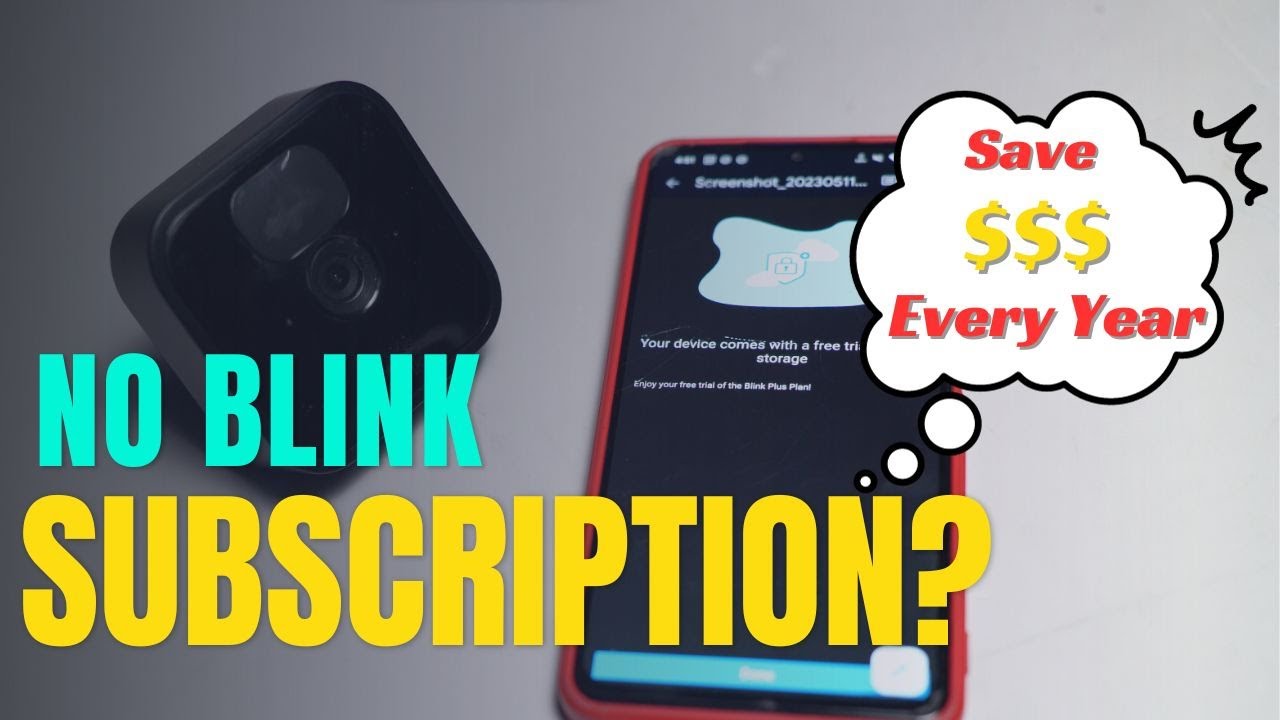
Using Blink cameras without a subscription is possible and suits many users well. You still get important functions that keep your home secure. The main difference lies in how your video clips are stored and accessed.
Many people want to avoid monthly fees. Blink allows this by offering a basic level of service free of charge. You can still monitor your property and receive alerts. Some features, though, require a subscription to work fully.
Live View And Motion Alerts Without Subscription
Even without a subscription, you can watch live video from your Blink camera. Motion detection alerts also work, so you know when something moves. These features help you respond quickly to events.
Cloud Storage Limitations
Without a subscription, your videos do not save to the cloud. This means no video clips are stored online for later review. You can only see live footage or clips saved locally if you set up local storage.
Using Local Storage Options
Local storage is an option without a subscription. You can save clips on a USB drive connected to the Blink Sync Module. Accessing these clips happens through the Blink app. Some users report slower loading and no clip thumbnails.
Advanced Features Are Subscription-only
Advanced functions like people detection are not available without a subscription. Also, longer video clips and video filters need a paid plan. These extras enhance security but are optional for basic use.
Core Features Available Without Subscription
Blink cameras offer essential functions even without a subscription plan. These core features let you monitor your home in real time. Basic security remains active, giving peace of mind without extra costs.
Without a subscription, you miss out on cloud storage and advanced options. Still, the main tools cover everyday security needs. Here are the key features you get for free.
Live View Access
You can watch live video streams anytime through the Blink app. This feature lets you see what is happening right now. It works on your phone or tablet, providing instant access to your cameras.
Live view helps check on pets, deliveries, or any activity around your home. It does not require a subscription and works anywhere with internet.
Motion Detection Alerts
Blink cameras send alerts when they detect motion. You receive notifications on your phone to stay informed immediately. This helps you react quickly to any unexpected movement.
The motion detection feature works without extra fees. It uses sensors to spot activity, making your security smarter without a subscription.
Two-way Audio
Two-way audio lets you listen and speak through the camera. This feature allows communication with people near the camera. Use it to greet visitors or warn off intruders from a distance.
Two-way audio is fully functional without a subscription. It adds convenience and control to your home security setup.
Limitations Without Cloud Storage
Using Blink cameras without a subscription means you lose access to cloud storage. This change creates several limitations. Cloud storage plays a key role in saving and managing your video footage. Without it, the camera’s functionality becomes more basic.
Local storage options exist but come with drawbacks. These limitations affect how you save, view, and organize your recordings. Understanding these restrictions helps you decide if a subscription fits your needs.
No Video Clip Saving
Without cloud storage, Blink cameras do not save video clips online. The system only sends alerts and live views. You cannot access past events through the app easily. Local storage may save some clips, but this depends on extra hardware. Losing cloud backup means missing out on secure, remote access to videos. If the camera is damaged or stolen, footage may be lost permanently.
No Thumbnails Or Filters
Cloud storage provides thumbnails and filters to sort your clips. Without it, the app shows fewer visual previews. This makes finding specific moments harder and slower. Filters that organize clips by event type or date are also unavailable. Users must manually browse through recordings, which can be frustrating. The lack of these features reduces convenience and efficiency in managing your security footage.
Credit: www.youtube.com
Local Storage Option Explained
Blink cameras offer a local storage option for users who prefer not to pay for subscriptions. This feature lets you save video clips directly to a USB drive connected to the Sync Module. It provides an alternative to cloud storage and can help you keep your footage safe at home.
Local storage means your videos do not upload to the internet. Instead, they stay on the USB drive, giving you control over your data. This option works well for those who want basic recording without monthly fees.
Using Usb Drive With Sync Module
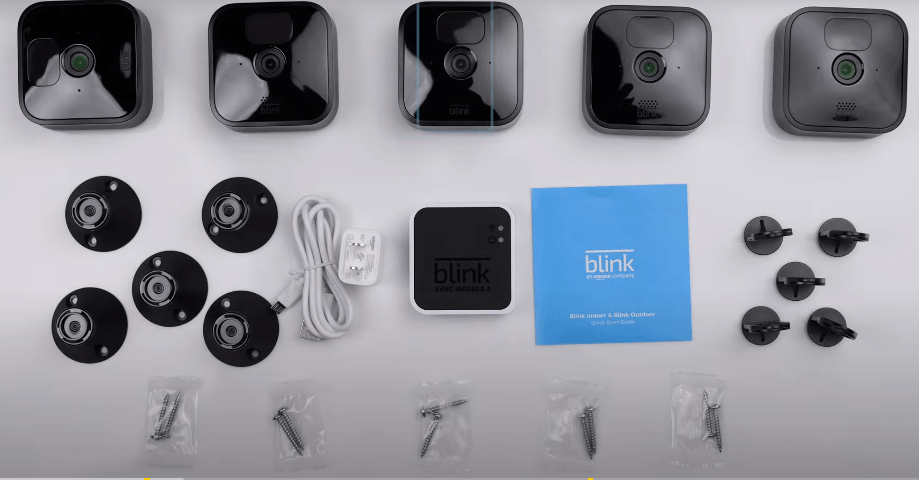
The Sync Module 2 supports USB drives for local storage. You simply plug a USB flash drive into the Sync Module’s port. This drive stores video clips captured by your Blink cameras.
Make sure the USB drive has enough space. Blink recommends a drive with at least 8GB capacity. The system automatically saves clips to the drive, so you don’t have to manage files manually.
Accessing Local Clips Via App
You can watch stored videos through the Blink app. The app connects to your Sync Module and shows clips saved on the USB drive. This way, you can review footage without internet or subscription.
However, the app interface for local clips lacks some features. Thumbnails for videos may not appear, and loading times can be slower than cloud playback. Still, it is a useful way to see recordings without ongoing costs.
Performance And Usability Challenges
Local storage on Blink cameras has limits. The USB drive must stay plugged into the Sync Module to record. Removing it stops new clips from saving.
Playback can be slower than cloud storage. The app may take longer to load videos, and some advanced features are missing. These include smart alerts and easy clip sorting.
Despite these challenges, local storage works as a basic solution. It keeps your videos private and subscription-free. Users should weigh convenience against cost savings when choosing this option.
Benefits Of Blink Subscription Plans
Blink subscription plans offer clear benefits for users who want more from their security cameras. These plans provide extra storage and features beyond the free options. They make managing and reviewing videos easier and more efficient. Choosing a subscription can enhance your overall experience with Blink cameras.
Cloud Storage Advantages
Subscription plans include cloud storage for your video clips. This means videos are saved online and not lost if the camera is damaged. You can access these clips anytime from the Blink app. Cloud storage also makes sharing videos simple and fast.
Extended Video History
Without a subscription, video clips are stored for a short time or not saved at all. Subscriptions keep your videos longer, allowing you to review past events easily. This extended history is useful for checking what happened days or weeks ago.
Advanced Features Access
Subscribers get access to advanced features like people detection. This helps reduce false alerts from animals or passing cars. Other features include longer video clips and activity zones to focus on important areas. These tools improve security and save time.
Advanced Features With Subscription
Subscribing to Blink’s service adds powerful features that enhance your camera’s capabilities. These features improve security and make managing your recordings easier. The subscription lets you use tools that the free version does not offer. This section explains the key advanced features available with a subscription.
People Detection
People detection helps your camera tell the difference between people and other objects. It reduces false alerts from pets, cars, or branches moving in the wind. This feature sends alerts only when it spots a person. It saves time by focusing on important notifications.
Longer Clip Duration
With a subscription, your video clips can be longer. The free plan limits clips to a few seconds. Longer clips provide more detail of what happens during an event. This is useful for reviewing incidents or sharing evidence with others.
Video Sharing And Photo Capture
The subscription allows easy sharing of videos and photos with family or authorities. You can capture still images from recorded clips directly in the app. Sharing options help keep others informed quickly. This feature makes it simple to save or send important footage.
Subscription Plan Options
Blink offers different subscription plans for users who want more than basic camera features. These plans provide cloud storage and advanced functions. Choosing the right plan depends on your needs and budget. Both plans allow easy access to video clips and improve overall security management.
Blink Basic Plan
The Blink Basic Plan includes cloud storage for one camera. It saves recorded clips for up to 60 days. This plan lets you review motion alerts anytime. You get faster access to videos compared to local storage. The cost is low, making it a good option for simple setups.
With the Basic Plan, you can share video clips with family or friends. The plan supports multiple devices but covers only one camera. It also offers standard customer support. Users gain peace of mind by having secure cloud backups.
Blink Plus Plan
The Blink Plus Plan covers unlimited cameras at one location. It keeps videos stored for up to 60 days in the cloud. This plan includes extra features like people detection. You can customize motion alerts for better security.
Plus Plan users enjoy priority customer service. Managing several cameras is easier with this subscription. The plan suits homes or small businesses with multiple Blink cameras. It provides more value for users needing wider coverage.
Credit: www.hollyland.com
Cost-saving Tips Without Subscription
Owning a Blink camera without a subscription can save money but requires smart management. You still get core features like live view and motion alerts. However, cloud storage and some advanced functions are unavailable. Using your camera effectively without paying monthly fees means focusing on local storage and managing alerts well. These tips help you maintain security while keeping costs low.
Maximizing Local Storage Use
Local storage lets you save video clips directly to a USB drive. This method avoids monthly cloud fees. Connect a Blink Sync Module 2 to a USB stick for this feature. Regularly check your storage space to prevent overwriting important clips. Delete old or unwanted videos often to free up space. Make sure your USB drive has enough capacity for continuous recording. This setup keeps your footage safe without extra costs.
Managing Alerts Efficiently
Motion alerts notify you about activity but can be overwhelming. Customize alert settings to reduce unnecessary notifications. Set activity zones to focus on important areas only. Adjust motion sensitivity to avoid false alarms from small movements. Schedule quiet hours to pause alerts when you do not need them. Efficient alert management saves battery life and keeps notifications useful. It helps you respond quickly to real events without distraction.
User Experiences And Feedback
Many users share their experiences about using Blink cameras without a subscription. These firsthand accounts reveal both benefits and drawbacks. Understanding these insights helps potential buyers decide if the camera fits their needs without extra costs. Feedback often highlights how basic functions perform without cloud storage and subscription features.
Reddit Community Insights
Reddit users discuss Blink cameras extensively. They confirm the cameras work without a subscription. Live view, motion alerts, and two-way audio remain available. Users appreciate these features for free. However, video clips do not save to the cloud without paying.
Some mention using local storage options for saving footage. They note slower loading times and missing video thumbnails in the app. Many express satisfaction with basic security needs met without subscription. Others debate if the limited features justify the camera’s price.
Common Issues Reported
Users report several common problems without a subscription. The most frequent issue is no cloud storage for recorded videos. This limits review options after alerts. Some find local storage unreliable or confusing to access. Delays in video loading frustrate users during urgent reviews.
Advanced features like people detection are unavailable without a plan. This reduces the camera’s ability to filter false alerts. Some users miss longer video clips and better organization tools. Battery life concerns also appear but are less tied to subscription status.
Deciding If Subscription Is Worth It
Deciding whether to subscribe to Blink’s service depends on your needs and budget. Blink cameras work without a subscription, but the experience changes. Some key features stay free, while others require payment. Understanding these differences helps you choose wisely.
Comparing Features And Costs
Without a subscription, Blink cameras offer live view, motion alerts, and two-way audio. Video clips do not save to the cloud. You can store clips locally, but this may be slower and less convenient. Subscriptions add cloud storage and advanced features like people detection. The subscription cost is monthly or yearly. It may seem extra, but it adds value with easy access and longer clip storage.
Use Cases For Subscription
Subscriptions suit users who want full video history and quick access. Businesses and busy households benefit from cloud storage. People detection reduces false alarms. Subscriptions help review events faster using clip filters. For casual use, without subscription, basic security functions are enough. Decide based on how often you check cameras and need saved footage.

Credit: www.consumerreports.org
Frequently Asked Questions
Can I Still Use My Blink Camera Without A Subscription?
Yes, you can use Blink cameras without a subscription. You get live view, motion alerts, and two-way audio. Cloud storage and advanced features like people detection require a subscription. Local storage works with a USB drive but has limitations, such as no thumbnails and slower clip loading.
Can You Record On A Blink Camera For Free?
You can record on a Blink camera for free using local storage with a USB drive. No subscription is required. Cloud recording and advanced features need a paid subscription. Local storage saves motion clips but lacks thumbnails and filtering options.
How To View Blink Camera Clips Without Subscription?
View Blink camera clips without a subscription by using local storage via a USB drive on the Sync Module. Live view and alerts remain available. Clips save locally but lack thumbnails and advanced features like cloud storage and person detection.
Access clips through the Blink app with limited functionality.
What Are The Cons Of Blink Cameras?
Blink cameras lack advanced features without subscription, offer no cloud storage, and local storage has slow loading and no thumbnails. Battery life can vary, and video quality is average. Some users find the app interface less intuitive compared to competitors.
Can Blink Cameras Work Without A Subscription?
Yes, Blink cameras work without a subscription but with limited features and no cloud storage.
What Features Are Available Without A Blink Subscription?
You get live view, motion alerts, and two-way audio without subscribing.
Can I Save Videos Without A Blink Subscription?
No, videos are not saved to the cloud without a subscription.
Is Local Storage Possible Without A Blink Subscription?
Yes, local storage is possible but with slower loading and no thumbnails.
Do Blink Cameras Offer Advanced Features Without Subscription?
No, features like people detection require an active subscription.
Can I Watch Live Feed On Blink Camera Without Subscription?
Yes, live streaming is available without a subscription.
Conclusion
Blink cameras work without a subscription, but with limits. You get live view, motion alerts, and two-way talk. Recording saves only if you add local storage. No cloud saving means no video clips online. Advanced features like people detection need a subscription.
Subscriptions offer easier access and longer storage. Decide based on your needs and budget. Simple use is possible without extra fees. Choose what fits your security style best.