Are you looking to showcase your designs in the best light without spending hours on complex software? Online mockup generator tools are exactly what you need.
These tools let you create stunning, professional-looking previews of your products or projects in just minutes. Whether you’re designing a t-shirt, a website, or packaging, you can see how your ideas will look in real life before making any commitments.
Keep reading to discover the top online mockup generators that make your creative process faster, easier, and more effective—helping you impress clients, boost sales, and bring your vision to life.
Credit: mediamodifier.com
Top Online Mockup Generators
Online mockup generators help designers, marketers, and business owners. They create realistic product images without costly photoshoots. These tools save time and show designs clearly. Many tools offer free and paid options. They work directly in your browser. No software needed.
Users upload their design files, then place them on templates. The result looks like a real product photo. This helps clients and teams see the final look. Here are some top mockup generators you can try today.
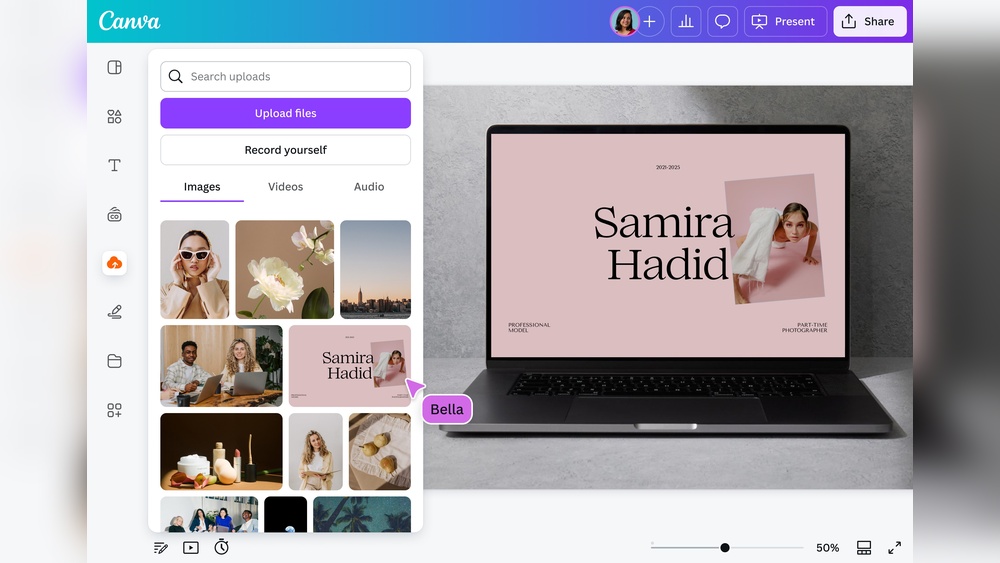
Canva Mockup Generator
Canva offers a simple mockup generator with many templates. Users upload images and customize easily. The tool supports t-shirts, books, bottles, and more. It works well for beginners and professionals. Canva also has free and premium templates.
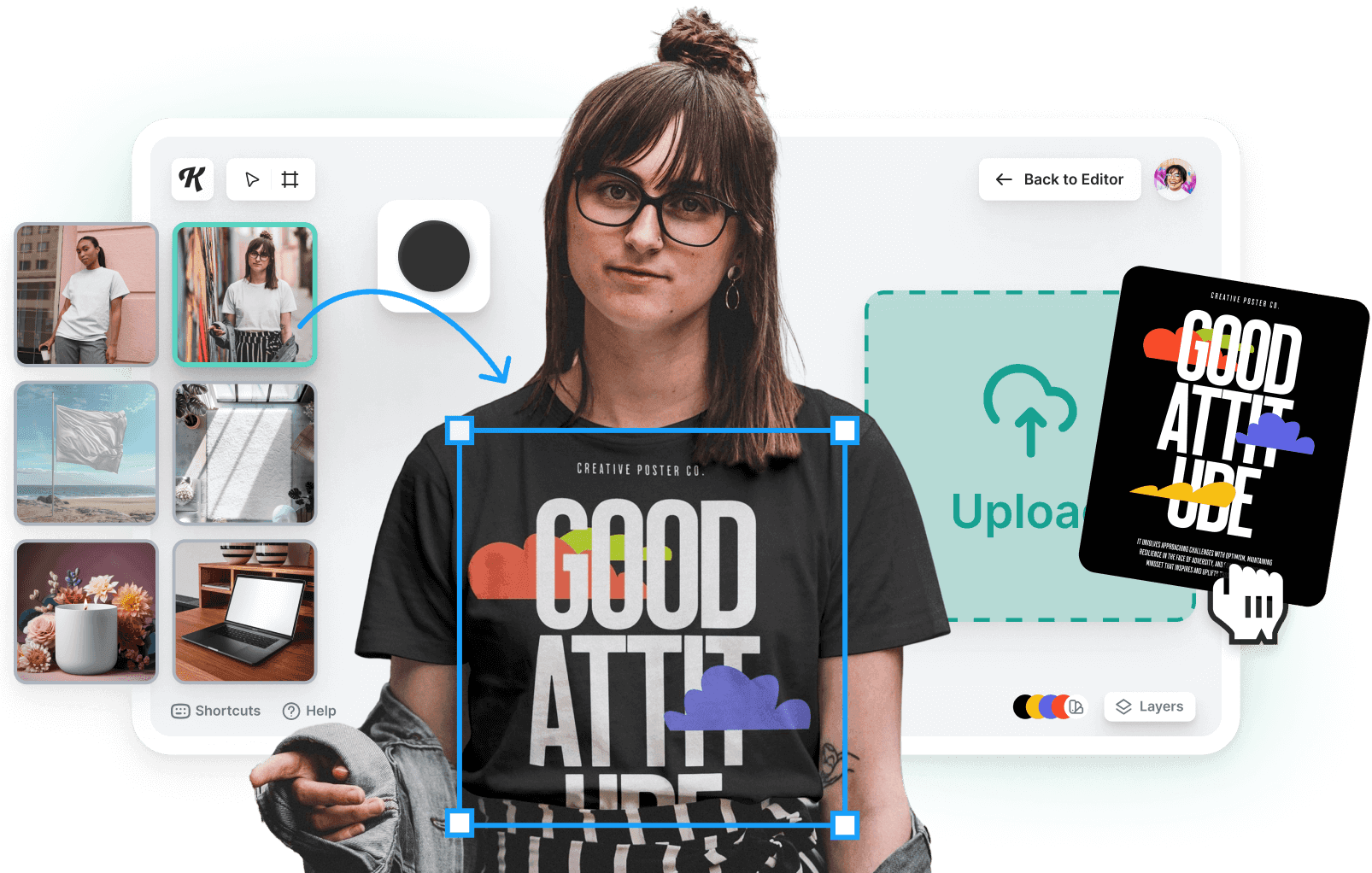
Kittl Mockup Generator
Kittl provides high-quality mockups for websites and stores. It supports presentations and marketing materials too. The drag-and-drop interface is user-friendly. Users enjoy fast results without design skills. Kittl’s library covers many product types.
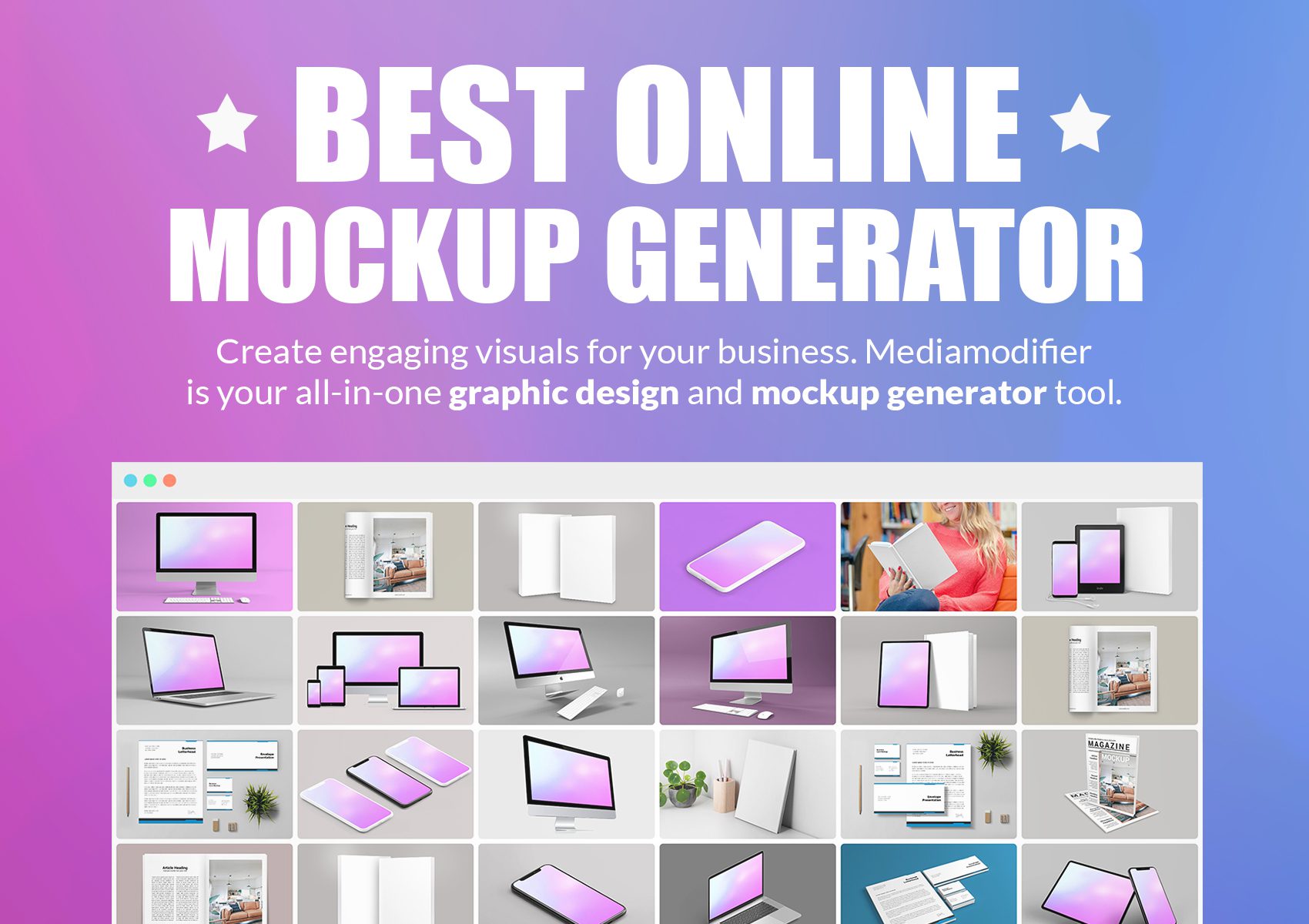
Mediamodifier
Mediamodifier is a browser-based tool accessible on any device. It allows creating mockups for books, phones, boxes, and prints. The interface is clean and easy to use. It offers both free and paid options. Users can create professional images quickly.
Placeit
Placeit stands out with its wide range of mockup templates. It includes video mockups and device previews. Users upload designs and get ready-to-use images fast. The tool is popular for marketing and product presentations. Placeit offers subscription plans and pay-per-use.
Mockupbro
MockupBro is a free online mockup generator with no watermarks. It supports many product types and easy customization. Users drag and drop designs into templates. The tool is perfect for quick marketing visuals. It requires no registration to start.
Mockuuups Studio
Mockuuups Studio offers dynamic mockups for app previews and products. It integrates with Photoshop for advanced users. The tool auto-generates realistic images at scale. It suits e-commerce stores and designers. The interface is straightforward and fast.
Credit: mediamodifier.com
Features That Inspire Creativity
Online mockup generator tools offer many features that boost creative work. These features help users design and visualize ideas easily. They make the design process faster and more fun.
With simple interfaces and smart options, these tools invite users to experiment. Creativity flows when users can see their ideas come to life instantly. The right features inspire new ideas and fresh designs.
Easy Drag-and-drop Interface
The drag-and-drop feature lets users place elements quickly. No complex steps or coding needed. This ease encourages trying different layouts and styles freely.
Wide Range Of Templates
Templates provide a starting point for creativity. Users can select from many styles and themes. This variety helps match any project or brand easily.
Customizable Design Elements
Adjust colors, fonts, and sizes to fit your vision. Customization tools allow unique designs without limits. Personal touches make each mockup stand out.
Real-time Preview
See changes instantly as you design. Real-time preview helps make quick decisions. It saves time and keeps creativity flowing smoothly.
High-quality Image Export
Export designs in sharp, professional formats. High-quality images look great on websites and print. This feature ensures your work shines everywhere.
Multiple Device Mockups
Show designs on phones, tablets, and laptops. Device mockups give context to your work. This helps visualize how users will see your design.
Customization Options For Unique Designs
Customization options in online mockup generator tools offer creative freedom. These tools let you tailor designs to fit your style and brand. Unique designs stand out more and catch attention quickly. A wide range of options makes each project special and personalized.
Adjusting Colors And Textures
Change colors easily to match your brand palette. You can apply different textures to add depth. These features help create a visually appealing and unique design.
Uploading Personal Images And Logos
Upload your own images and logos for a custom look. This adds authenticity and personal touch to your mockups. It ensures your design is truly one of a kind.
Customizing Layouts And Sizes
Modify the layout to highlight key elements. Resize objects to fit perfectly in your design space. These options improve the overall balance and flow of your mockup.
Adding Text With Various Fonts
Add text with a choice of fonts and styles. This allows you to convey your message clearly and attractively. Text customization supports brand identity and storytelling.
Using Templates With Editable Elements
Select templates that suit your needs and edit key parts. Editable elements save time while offering flexibility. Templates provide a solid base for fast, unique designs.
Credit: www.kittl.com
Using Ai To Enhance Mockup Creation
Artificial intelligence changes how mockups are created online. It makes the process faster and smarter. Designers spend less time on routine tasks. AI helps create realistic and detailed mockups with ease.
AI tools analyze your design and suggest improvements. They fit your images perfectly into product templates. This reduces errors and saves effort. Even beginners can create professional mockups quickly.
Automated Design Adjustments
AI automatically adjusts colors, shadows, and angles. It matches your design to the chosen mockup style. This keeps the final image consistent and attractive. The tool saves you from manual tweaks.
Smart Background Removal
Removing backgrounds is simple with AI. It detects and cuts out unwanted parts precisely. This makes your design stand out clearly on any product. You get clean mockups without extra editing.
Real-time Preview And Editing
AI-powered mockup generators show instant previews. You see how your design looks on different products. Changes update immediately, helping you choose the best option. This speeds up the decision process.
Personalized Template Suggestions
AI recommends templates based on your design style and purpose. It suggests the best layouts for t-shirts, books, or devices. This helps you pick mockups that fit your brand perfectly.
Batch Mockup Creation
Creating multiple mockups at once is easier with AI. Upload your design and generate various product views quickly. This feature saves time and increases productivity.
Mockups For Different Product Types
Online mockup generator tools offer many benefits for e-commerce businesses. They help showcase products professionally and attract more customers. These tools make it easy to create realistic images without expensive photo shoots.
Using mockup generators saves time and reduces costs. They improve product presentation and boost customer confidence. Let’s explore some key advantages these tools bring to online stores.
Enhanced Product Visualization
Mockup tools create clear, high-quality images of products. Customers see exactly how items look and feel. This reduces doubts and increases the chance of buying. Better visualization helps products stand out from competitors.
Cost-effective Marketing
Online mockup generators cut costs on professional photos. Businesses can create many images quickly and affordably. This lowers marketing expenses and allows frequent updates. Small stores benefit from professional-looking visuals without big budgets.
Faster Product Launches
Mockup tools speed up the process of showing new products. Businesses can generate images instantly after design completion. This shortens time to market and keeps customers interested. Fast launches improve sales and brand presence.
Easy Customization
These tools let users change colors, backgrounds, and angles easily. Custom mockups match brand style and target audience preferences. This flexibility helps businesses create unique and appealing visuals. Customization supports stronger brand identity.
Improved Customer Engagement
Realistic product images encourage customers to explore and interact more. Engaging visuals increase the chances of sharing on social media. This spreads brand awareness and attracts new buyers. Good mockups create a better shopping experience.
Benefits For E-commerce Businesses
Choosing between browser-based and desktop mockup tools affects your design workflow. Both types help create realistic product previews but differ in access and features.
Browser-based tools work directly in your web browser. Desktop tools need installation on your computer. Each option suits different needs and preferences.
Browser-based Tools
Browser-based mockup generators require no download or setup. Open a website, upload your design, and start creating instantly. They work on any device with internet access, including tablets and phones.
These tools often update automatically, so you get new features without manual installs. They save projects in the cloud, allowing easy access from anywhere. Collaboration with team members is simpler this way.
Some browser-based generators may rely on internet speed. Complex designs can take longer to load or edit. Offline use is not possible, which limits work during no connectivity.
Desktop Tools
Desktop mockup software installs on your computer. It usually offers more powerful editing features and faster performance. You can work without an internet connection, which suits busy or remote locations.
Files save locally, giving you full control over your data. Desktop tools often support advanced formats and larger file sizes. This makes them ideal for professional designers handling detailed projects.
Installation and updates require time and storage space. Some desktop programs come with a one-time cost or subscription. Learning curves vary, but many offer tutorials to help beginners.
Browser-based Vs Desktop Tools
Online mockup generator tools offer great features for designers and marketers. One key benefit is the availability of options without watermarks. These free usage choices let users create professional mockups without extra branding on their images.
No watermark means the final design looks clean and ready for presentations or client reviews. This helps maintain a professional appearance and increases the value of the mockup.
Many tools allow free usage with simple interfaces. Users can upload designs, customize mockups, and download images without paying. This saves time and money, especially for small businesses and startups.
No Watermark Benefits For Professional Use
Mockups without watermarks appear polished and authentic. They impress clients and stakeholders more than those with visible branding. Clean mockups also improve marketing materials and social media posts.
Using watermark-free mockups avoids distractions in presentations. It helps focus attention on the product or design itself. This clarity supports better communication of ideas and concepts.
Free Usage Options And Accessibility
Free mockup generators provide easy access to design tools. Users do not need advanced skills or expensive software. These tools often work directly in a web browser, requiring no downloads.
Such accessibility benefits freelancers, students, and small teams. They can create high-quality visuals quickly without financial barriers. Free plans usually include a variety of templates and customization features.
Choosing The Right Tool For Your Needs
Select tools that offer genuine free usage with no hidden costs. Check if downloads come without watermarks and if templates fit your project type. Some generators specialize in specific mockups like apparel, devices, or packaging.
Testing multiple tools helps find the best fit for your workflow. Reliable free options improve efficiency and support creative freedom. This leads to better results and professional presentations.
Frequently Asked Questions
What Is An Online Mockup Generator Tool?
It is a web tool that helps create digital product or design previews easily.
How Do Online Mockup Generators Save Time?
They offer ready templates and drag-drop features for quick, simple mockup creation.
Can I Use Online Mockup Tools For Free?
Many tools provide free versions with basic features for creating mockups online.
Which File Formats Do Online Mockup Generators Support?
Most support common image files like PNG, JPG, and sometimes PSD files.
Are Online Mockup Generators Easy For Beginners?
Yes, they are designed with simple interfaces for users with no design experience.
Can I Customize Templates In Mockup Generator Tools?
Users can change colors, text, images, and layouts to fit their brand style.
Do Online Mockup Tools Work On Mobile Devices?
Most modern mockup generators are browser-based and work well on smartphones and tablets.
How Can Online Mockup Generators Help My Business?
They allow quick visual presentations of products, improving marketing and client approval.
Is It Possible To Create Realistic Product Mockups Online?
Yes, many tools offer high-quality, photorealistic mockups for various product types.
Are Online Mockup Generators Suitable For All Industries?
They fit many sectors like fashion, tech, publishing, and packaging design easily.
Conclusion
Online mockup generator tools simplify design previews. They help visualize ideas quickly and clearly. Many tools offer free, easy-to-use templates for various products. You can create realistic images without special software. These tools save time and improve your presentations. Try different options to find the best fit.
Consistent practice will enhance your design skills. Mockups make sharing your vision easier and clearer. Use these tools to boost creativity and confidence.