On most Vizio SmartCast TVs you can remove app shortcuts, but you cannot uninstall built-in system apps.
I’ve worked with Vizio SmartCast TVs and helped friends clear clutter from their home screens. This guide explains how to delete apps on Vizio TV in plain steps, covers different Vizio platforms, and shows safe troubleshooting. Read on for clear, tested methods and tips to free space or hide apps on your Vizio TV.

How Vizio SmartCast and older platforms handle apps
Vizio TVs usually run SmartCast. SmartCast treats many apps as built-in services. That means you often can hide or remove shortcuts but not fully uninstall system apps. Some older Vizio models used VIA or VIA+ software. A few rare models used Android TV, which behaves differently.
Key differences you should know
- SmartCast TVs: You can edit the home screen and remove app shortcuts. Full uninstall of built-in apps is usually not possible.
- VIA / VIA+ models: These may allow removing third-party apps from an app manager.
- Android-based Vizio TVs: These let you uninstall apps via Settings > Apps, like other Android TVs.
Understanding these differences helps you follow the right steps. If you want to know exactly how to delete apps on Vizio TV, first identify your TV’s platform. Look for “SmartCast” branding or check Settings > System for software info.

Step-by-step: how to delete apps on Vizio TV (SmartCast method)
Follow these steps for most Vizio SmartCast TVs. These remove app shortcuts from the home screen. They do not remove core system apps.
Steps to remove app shortcuts
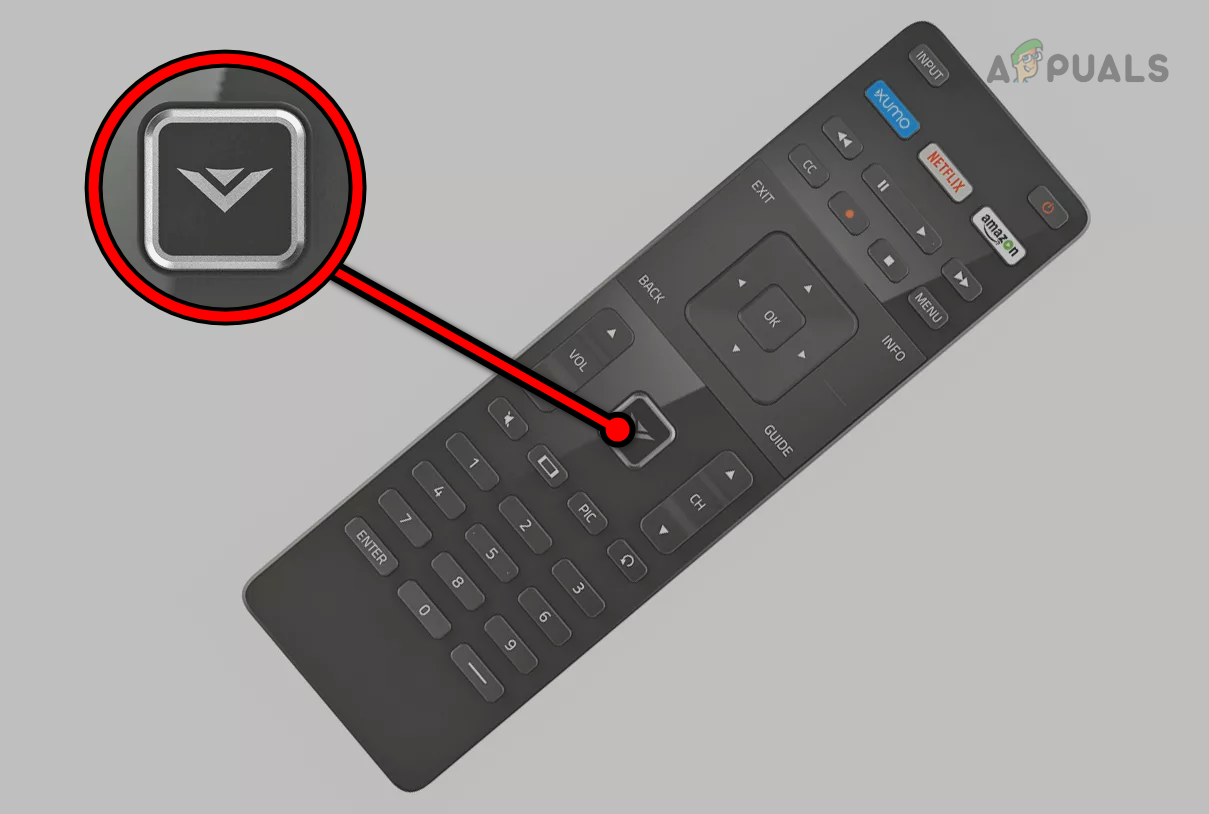
- Press the V button or Home on your Vizio remote to open the SmartCast home screen.
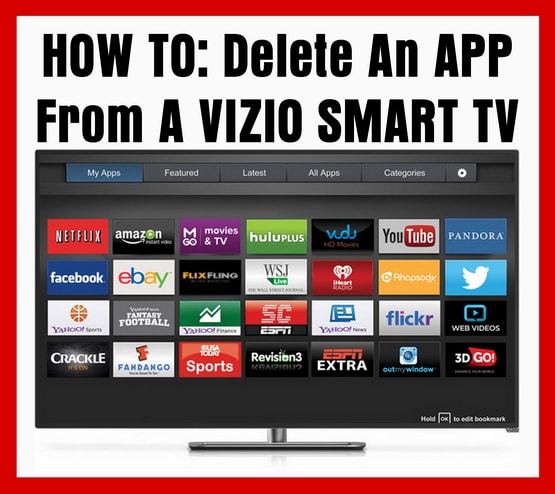
- Navigate to the Apps row and highlight the app you want to remove.
- Press and hold the OK or Select button until a menu appears or the app icon becomes movable.
- Choose Remove or Move to hide the app from the row. If there is no Remove option, move it to the end of the list to hide it.
- Restart the TV to confirm the change.
Notes and variations
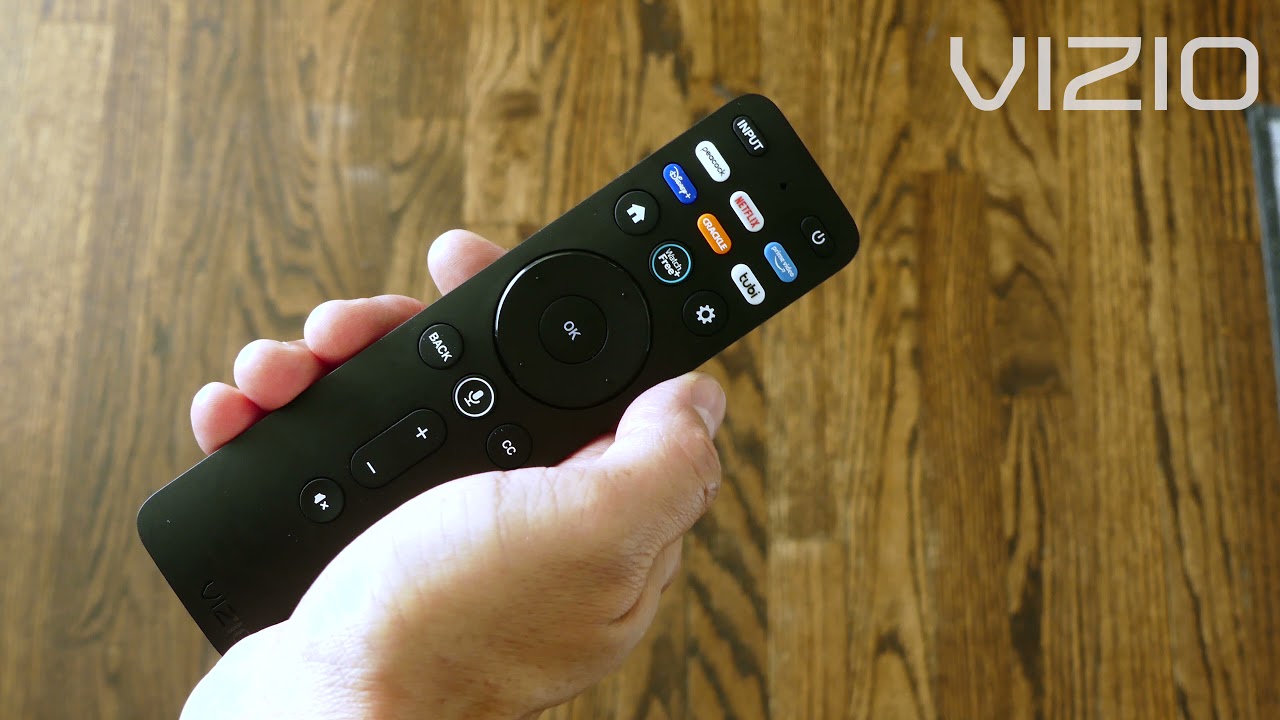
- Some remotes show a Menu button instead of pressing and holding OK. Try that if hold doesn’t work.
- If the app returns after an update, the app is system-installed and can’t be permanently removed.
- For “how to delete apps on Vizio TV” when you want to uninstall user-installed apps, see the Android/older methods below.
If your Vizio TV runs Android TV (or Google TV)
A few Vizio models use Android TV. If your TV shows the Google Play Store, use this method. This one truly uninstalls apps.
Uninstall steps for Android-based Vizio TVs
- Open Settings from the home screen.
- Go to Apps or Apps & notifications.
- Select the app you want to remove.
- Tap Uninstall and confirm.
- Restart the TV if needed.
This method fully removes the app from the device. Keep in mind that system apps may still be protected and not removable.

Older VIA / VIA+ models: removing apps and managing storage
On legacy Vizio models with VIA or VIA+, app management is different. These models sometimes include an App Manager.
Typical VIA / VIA+ steps
- Press the V/Menu button to open apps.
- Find My Apps or App Manager.
- Select the app and choose Delete or Uninstall.
- Confirm and restart the TV.
If the app is part of factory software, the delete option may be disabled. For these TVs, factory reset is the last resort to clear user-installed apps.

Troubleshooting when you can’t delete an app
Common issues and quick fixes when how to delete apps on Vizio TV doesn’t work
App won’t remove from home screen
- Try restarting the TV and repeating the remove steps.
- Check for a firmware update in Settings and install it.
- Try a different remote button (Menu, Info, or press-and-hold OK).
App reappears after updates
- The app is likely a system app. You cannot uninstall it. Consider hiding the app or using another streaming device.
No uninstall option on Android-based models
- The app may be system-protected. Disable it if Uninstall is unavailable. Go to Settings > Apps > Disable.
Factory reset to remove stubborn user apps
- Reset is a last option. It restores factory settings and removes personal apps and data. Back up accounts or settings before you reset.
Alternatives to deleting apps on Vizio TV
If you cannot remove an app, try these alternatives. They keep your home screen tidy and save space without uninstalling system apps.
Alternative options
- Hide or move apps out of the Apps row to reduce clutter.
- Use a streaming stick (Roku, Fire TV, Chromecast) and disable Vizio apps. This avoids dealing with built-in apps.
- Cast from your phone or tablet to use apps without installing them on the TV.
- Disable automatic app updates in Settings to prevent emptying storage with updates.
These options often solve the same problems people ask when searching for how to delete apps on Vizio TV.
My experience and practical tips
I’ve helped friends with Vizio SmartCast TVs. The key lesson: built-in apps stay. Removing shortcuts is often all you need to clear space visually. One time I used a low-cost streaming stick to avoid a built-in app that kept auto-reappearing. That fixed the issue without resets or technical steps.
Practical tips from real use
- Try removing shortcuts before attempting a reset.
- Keep your Vizio firmware updated to access the latest app-management features.
- Use a separate streaming device if you want full control over app installs and uninstalls.

People also ask (PAA-style questions)
What happens when you remove an app from the Vizio home screen?
- Removing a shortcut hides the app from your home screen. It usually does not uninstall the app from the TV if it is a system app.
Can I uninstall Netflix or other big apps from a Vizio TV?
- Most built-in apps like Netflix are system apps and cannot be fully uninstalled. You can hide or move them from the home screen.
Will a factory reset remove apps on a Vizio TV?
- Yes. A factory reset removes user-installed apps and settings. It will restore factory software and require you to set up the TV again.
Is it better to use a streaming stick than deleting Vizio apps?
- Using a streaming stick gives you full app control and can be simpler than fighting built-in apps. It also often improves app performance.
How do I free storage on my Vizio TV?
- Remove app shortcuts, disable unused apps if allowed, update firmware, or perform a factory reset as a last resort. Using external devices also avoids storage limits.
Frequently Asked Questions of how to delete apps on vizio tv
How do I remove an app from the Vizio home screen?
Highlight the app in the Apps row, press and hold the OK or Select button, and choose Remove or Move. If no remove option appears, move it to the end to effectively hide it.
Can I uninstall system apps on a Vizio SmartCast TV?
Most system apps on SmartCast cannot be uninstalled. You can hide or move them but not delete them completely.
My TV shows an error when deleting an app. What should I do?
Restart the TV, check for a firmware update, and try again. If the issue persists, consider a factory reset after backing up settings.
Will removing an app delete my account data?
Removing a shortcut does not typically delete account data stored with the service. A factory reset may remove account data saved on the TV.
How can I identify which platform my Vizio TV uses?
Open Settings and look for SmartCast, Android TV, VIA, or System Info. The platform name will tell you the correct method for how to delete apps on Vizio TV.
Conclusion
You can usually remove app shortcuts on Vizio SmartCast TVs, but full uninstallation of built-in apps is rarely possible. Identify your TV platform, follow the platform-specific steps, and use alternatives like streaming sticks if you need full control. Try hiding apps and keeping firmware updated before doing a factory reset. If this guide helped, try the steps on your TV, leave a comment about your model, or subscribe for more easy TV tips.





