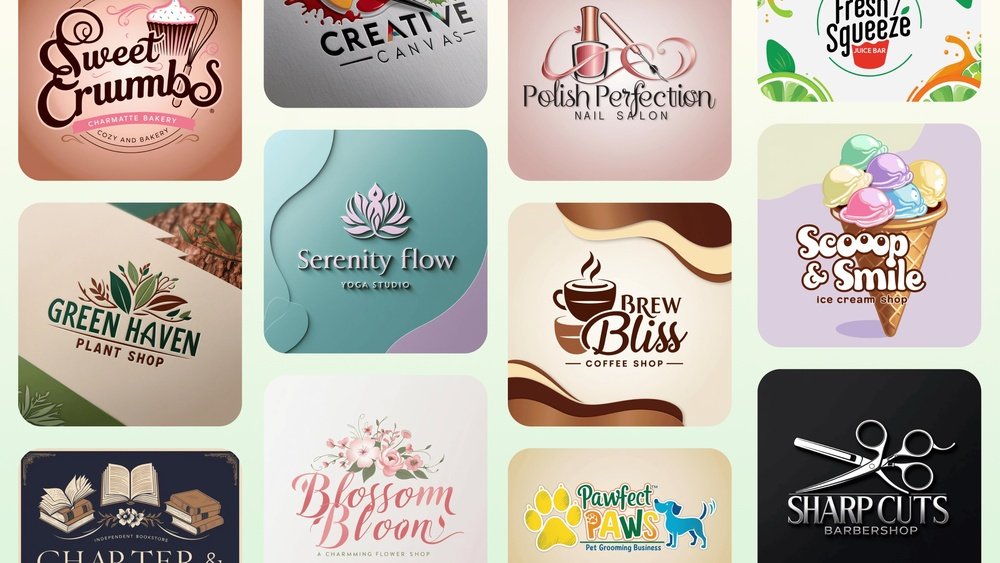
Looking to create a standout logo without spending a dime? You’re in the right place.
Your logo is the face of your brand—it’s what grabs attention and makes a lasting impression. But designing one can feel overwhelming or expensive. What if you could get a professional, eye-catching logo quickly and for free? Thanks to powerful AI tools, you can do just that.
In this guide, you’ll discover simple steps to create a unique logo tailored to your business using AI—no design skills needed. Keep reading, and by the end, you’ll have a logo that truly represents your brand and sets you apart from the competition.

Credit: www.topview.ai
Top Free Ai Logo Tools
Free AI logo tools help you design logos quickly and easily. They use artificial intelligence to create unique logo ideas. You can customize these logos to fit your brand style. These tools save time and money compared to hiring a designer. Below are some of the best free AI logo generators to try.
Logo.com
Logo.com generates professional logos in seconds. Enter your business name and industry to start. The tool offers one free logo creation per user. It provides clean, modern designs with simple editing options.
Adobe Express
Adobe Express lets you describe your logo idea in words. It creates multiple options based on your style preferences. You get to use generative credits for logo variations. The interface is user-friendly for beginners.
Canva
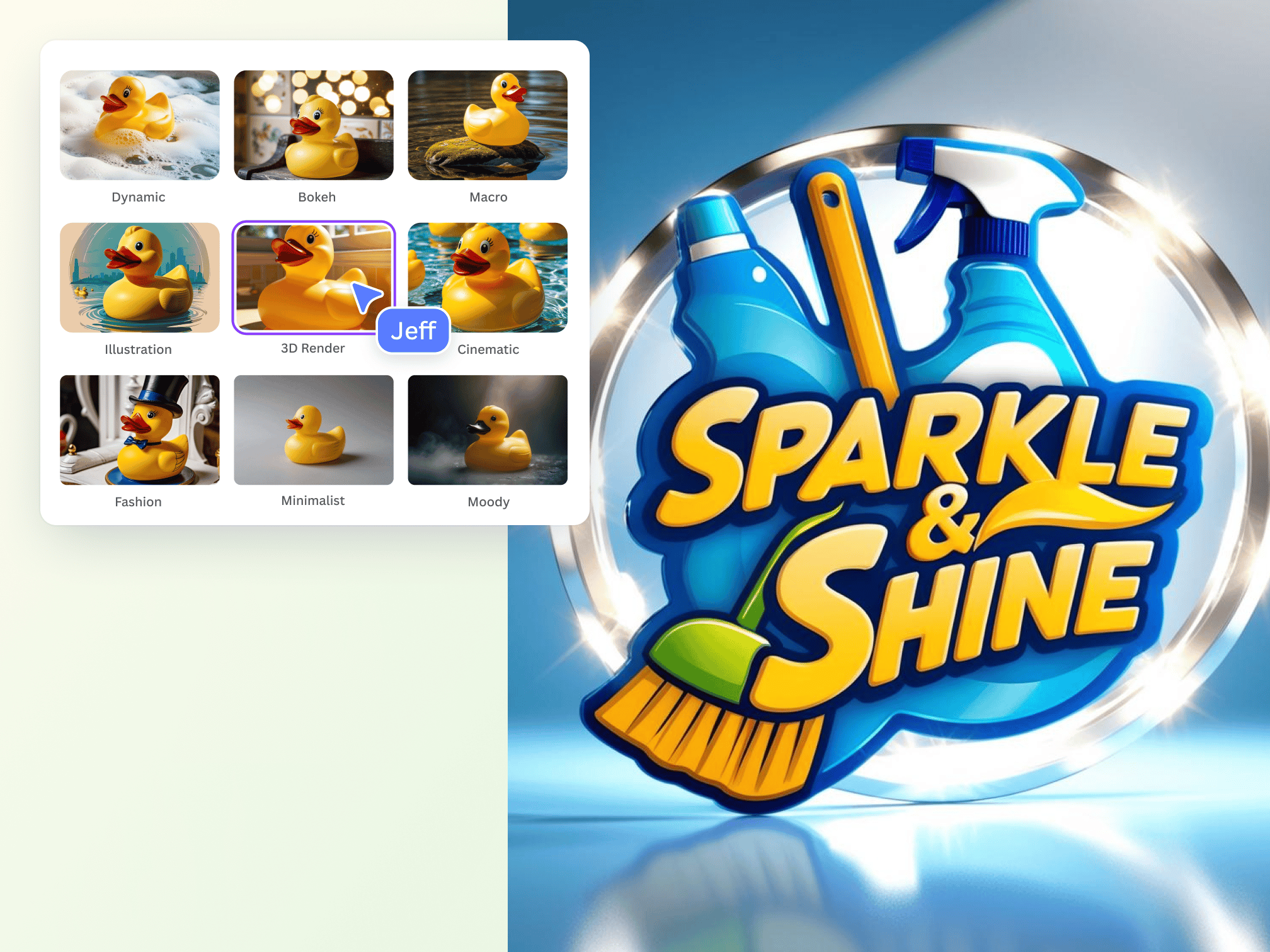
Canva includes a free AI logo maker inside its design platform. You type a text prompt to generate logo ideas. After that, you can customize colors, fonts, and icons easily. Canva also offers many templates and design tools.
Pix Nova
Pix Nova is fully free with unlimited logo creation. It supports customizable prompts for more control over the design. Logos are created instantly and can be edited simply. This tool suits users needing many logo ideas fast.
Looka
Looka generates hundreds of logo options for free to explore. You only pay if you want to download and use the logo commercially. The tool combines AI with your input to craft unique designs. It helps you see many styles before choosing.
Credit: www.canva.com
Setting Up Your Account
Setting up your account is the first step to create a free logo with AI. A proper account helps you save your designs and access tools easily. Most AI logo platforms offer a quick and simple sign-up process. Keep your login details safe for future use.
Starting with the right account setup ensures smooth logo creation. It helps you track your projects and manage downloads. Follow the platform’s instructions carefully to avoid errors.
Creating Your Profile
Begin by entering your basic information like name and email. Choose a strong password to protect your account. Some platforms allow social media logins for faster access.
Verify your email to activate the account. This step confirms your identity and unlocks all features. Without verification, some tools may remain restricted.
Choosing Your Plan
Select the free plan if you want to create logos without cost. Free plans usually offer enough features for basic logo design. Avoid paid plans unless you need extra options or high-resolution files.
Check what the free plan includes before finalizing. Some platforms limit downloads or add watermarks on free logos.
Setting Preferences
Set your language and region to get relevant suggestions. Some AI tools adapt designs based on your location. Adjust notification settings to avoid too many emails.
Link your account with other apps if the platform supports it. This can help in sharing designs or importing files later.
Crafting Your Logo Text
Crafting your logo text is a crucial step in designing a memorable logo. The text often carries your brand name and message. It helps people identify your business quickly. Choosing the right font, size, and style creates the perfect look for your brand.
AI tools make this process simple and fast. They offer many font styles and customization options. You can easily adjust colors, spacing, and effects to match your brand personality. Clear, readable text improves your logo’s impact and appeal.
Choosing The Right Font
Select a font that matches your brand’s tone. Use bold fonts for strong, confident brands. Choose script or handwritten fonts for a creative or personal feel. Avoid overly complex fonts that are hard to read.
Adjusting Text Size And Spacing
Make sure your text is easy to read at any size. Use spacing to create balance between letters and words. Proper spacing prevents your logo text from looking crowded or messy.
Applying Color And Effects
Pick colors that reflect your brand identity. Use contrasting colors to make the text stand out. Simple effects like shadows or outlines can add depth without cluttering the design.
Testing Readability And Scalability
Check your logo text on different devices and sizes. It should look clear on both small business cards and large banners. Adjust font size and weight as needed to keep it sharp and legible.
Choosing Logo Styles
Picking the right logo style sets the tone for your brand. It helps your logo stand out and connect with your audience. Each style offers a unique look and feel. This guide will help you explore popular logo styles for your free AI logo design.
Consider your brand personality and the message you want to send. The style should match your business values and appeal to your customers. Keep it simple and clear for the best impact.
Minimalist Logos
Minimalist logos use simple shapes and few colors. They focus on clean lines and easy-to-read fonts. This style works well for modern and tech brands. It creates a sleek, professional look that lasts over time.
Vintage And Retro Logos
Vintage logos bring a nostalgic feel with classic fonts and muted colors. They often include badges, ribbons, or hand-drawn elements. This style suits businesses wanting to show tradition and trust.
Abstract Logos
Abstract logos use shapes and symbols to represent your brand creatively. They don’t show direct images but evoke ideas and emotions. This style fits brands that want to be unique and artistic.
Typography-based Logos
Typography logos focus on the brand name using custom fonts. They can be bold, elegant, or playful depending on the font choice. This style works great for brands that want name recognition.
Icon Or Symbol Logos
Icon logos combine text with a graphic symbol. The symbol can be simple or detailed. This style helps customers quickly identify your brand by the icon alone.
Using Design Prompts
Using design prompts simplifies the logo creation process with AI tools. A clear prompt guides the AI to generate relevant logo ideas fast. It helps the AI understand your brand’s personality and style.
Design prompts include words about your business, colors, shapes, and mood. The better the prompt, the closer the logo matches your vision. This method saves time and effort in editing later.
What Are Design Prompts?
Design prompts are short descriptions you give to AI tools. They explain what your logo should look like. Prompts can mention your business name, industry, and preferred colors.
For example, “modern tech company, blue and white, simple icon.” These details help the AI focus on your needs. The AI uses this info to create unique logo options.
How To Write Effective Design Prompts
Start by listing key words about your brand and style. Use simple language and avoid long sentences. Include your business type, main colors, and the feeling you want.
Be specific but brief. For example, “friendly bakery, warm colors, hand-drawn style.” Avoid vague terms like “nice” or “cool.” Clear prompts produce better logo results.
Examples Of Good Design Prompts
“Outdoor adventure gear, green and brown, rugged font.”
“Children’s toy store, bright colors, playful and fun.”
“Corporate consulting, black and gray, clean and professional.”
These examples guide the AI to generate logos that fit each brand’s identity.
Tips To Improve Your Design Prompts
Use adjectives that describe mood or style, like “minimalist,” “vintage,” or “bold.” Mention shapes if important, such as “circle” or “triangle.” Try different prompts to compare results.
Test short and longer prompts to see what works best. Adjust words based on the AI’s output to get closer to your ideal logo.
Customizing Ai-generated Logos
AI logo generators create great starting points for your brand design.
Customizing these logos makes them unique and better suited to your needs.
Adjust colors, fonts, and shapes to fit your brand style perfectly.
Changing Colors To Match Your Brand
Select colors that reflect your brand personality and values.
Use the color picker tool in the AI platform to explore different shades.
Choose a color palette that looks good on both digital and print media.
Modifying Fonts For Better Readability
Pick fonts that are easy to read and match your brand tone.
Try different font styles like bold, italic, or script for emphasis.
Keep font size balanced so your logo remains clear and professional.
Adjusting Shapes And Layouts
Move or resize logo elements to create better balance and harmony.
Experiment with icon placement to make your logo more eye-catching.
Ensure the overall layout works well on various screen sizes and formats.
Adding Personal Touches
Include symbols or icons that represent your business or values.
Add small details to make the logo stand out from competitors.
Keep the design simple but meaningful to attract your target audience.
Downloading Your Logo
Creating a logo with AI is quick and easy. Still, using the logo for business means checking commercial rights. Without these rights, legal issues can arise. Ensuring commercial use rights protects your brand and your investment. It also guarantees the logo can be used on products, websites, and marketing materials without restrictions.
Understanding Commercial Use Rights
Commercial use rights allow you to use a logo for business purposes. This includes selling products or services with the logo. Some free AI logo generators provide these rights automatically. Others require a license or payment for commercial use. Always read the terms and conditions to know your rights clearly.
Checking License Agreements
Each AI logo tool has its own license rules. These agreements explain how you can use the logo. Look for sections about commercial use and resale rights. If the license is unclear, contact the service provider. Avoid using logos without clear permission to prevent legal problems.
Choosing Ai Logo Generators With Clear Rights
Select AI tools that explicitly offer commercial use rights for free logos. Platforms like Pix Nova and some Canva features provide clear commercial licenses. This choice saves time and reduces risk. Confirming these rights before creating your logo is wise and safe.
Ensuring Commercial Use Rights
Creating a stunning logo requires more than just picking a design. It needs thought and creativity. A great logo stands out and tells your brand’s story in a simple way. These tips will help you design a logo that looks professional and catches the eye.
Keep It Simple
A simple logo is easy to remember and recognize. Avoid too many colors or complicated shapes. Focus on clear lines and basic forms. Simple logos work well on all sizes and backgrounds.
Choose The Right Colors
Colors affect feelings and brand perception. Pick colors that match your brand’s message. Use no more than three colors to keep the design balanced. Test how the colors look in black and white too.
Pick Clear Fonts
Fonts must be readable at any size. Avoid fancy or hard-to-read fonts. Use one or two font styles maximum. Match the font style with your brand’s personality.
Make It Scalable
Your logo should look good on a business card and a billboard. Use vector graphics to keep it sharp when resized. Test the logo in different sizes to ensure clarity.
Create Unique Designs
A unique logo helps your brand stand out. Avoid copying other logos or using common icons. Add a personal touch to make the design special and original.
Tips For Stunning Logo Designs
Exploring advanced features in free AI logo creators can greatly improve your design. These tools offer options beyond basic logo generation. You can customize colors, fonts, icons, and layouts to fit your brand style.
Advanced features help make your logo unique and professional. They give you control over small details that matter. Using these features, you can create a logo that stands out and matches your vision.
Customizing Colors And Fonts
Most AI logo tools let you change colors and fonts easily. You can pick colors that reflect your brand identity. Fonts can be adjusted to look modern, classic, or playful. This helps your logo feel more personal and aligned with your message.
Adjusting Layout And Spacing
Layout controls allow you to move logo elements around. You can change the size and position of icons and text. Proper spacing makes your logo clean and easy to read. This ensures your logo looks balanced on all devices and print materials.
Using Icon Libraries And Shapes
AI logo makers often include extensive icon libraries. You can select shapes and symbols related to your business. Adding the right icon improves logo recognition. Icons also help convey your brand’s story quickly and clearly.
Previewing Logo Variations
Many tools offer logo previews on different backgrounds and sizes. This helps you see how your logo will appear on websites, business cards, and social media. Previewing ensures your logo works well in all settings before finalizing it.
Downloading High-quality Files
Advanced features may allow downloading logos in high resolution. These files are suitable for print and digital use. You can get formats like PNG, SVG, or PDF. High-quality files keep your logo sharp and professional everywhere.
Credit: www.youtube.com
Frequently Asked Questions
Is There An Ai To Create Logos For Free?
Yes, free AI logo generators like Logo. com, Adobe Express, Canva, Pix Nova, and Looka create logos quickly. Some may charge for downloads.
Can Chatgpt Create A Logo For Me?
ChatGPT alone cannot create logos, but AI-powered tools like Logo. com, Canva, and Adobe Express generate logos based on your input. These platforms offer free logo ideas, with some charging for high-resolution downloads or advanced features.
How To Get A $1000 Logo Design For Free Using Ai?
Use free AI logo generators like Logo. com, Canva, or Adobe Express. Enter your business name and style preferences. Customize the design and download for free or low cost. Some platforms offer unlimited free logos, enabling a $1000-quality logo without payment.
How To Generate A Logo For Free?
Use free AI logo generators like Canva, Logo. com, Adobe Express, or Pix Nova. Enter your brand name and customize designs easily. Download basic logos without cost; premium features may require payment.
What Is Ai Logo Generator And How Does It Work?
An AI logo generator creates logos by using algorithms based on your text input and style choices.
Can I Create A Professional Logo For Free With Ai Tools?
Yes, many AI tools let you design logos for free but may charge for high-quality downloads.
Which Ai Platforms Offer Free Logo Creation Services?
Platforms like Canva, Logo. com, Adobe Express, Pix Nova, and Looka offer free logo generation.
How Do I Customize My Logo Using Ai Tools?
You can adjust colors, fonts, icons, and layouts after the AI generates initial logo designs.
Are Ai-generated Logos Unique And Original?
AI logos are based on templates but can be customized to create unique designs for your brand.
Do I Need Design Skills To Use Ai Logo Makers?
No design skills are required; AI tools guide you through simple steps to create logos easily.
Conclusion
Creating a free logo with AI is simple and fast. You just need to choose a tool that fits your needs. Many platforms offer easy steps to design logos without cost. Experiment with different styles until you find the right one.
Remember, a clear and simple logo helps your brand stand out. Keep your design focused and easy to read. AI tools give you many options to explore. Start your logo journey today and bring your ideas to life.





