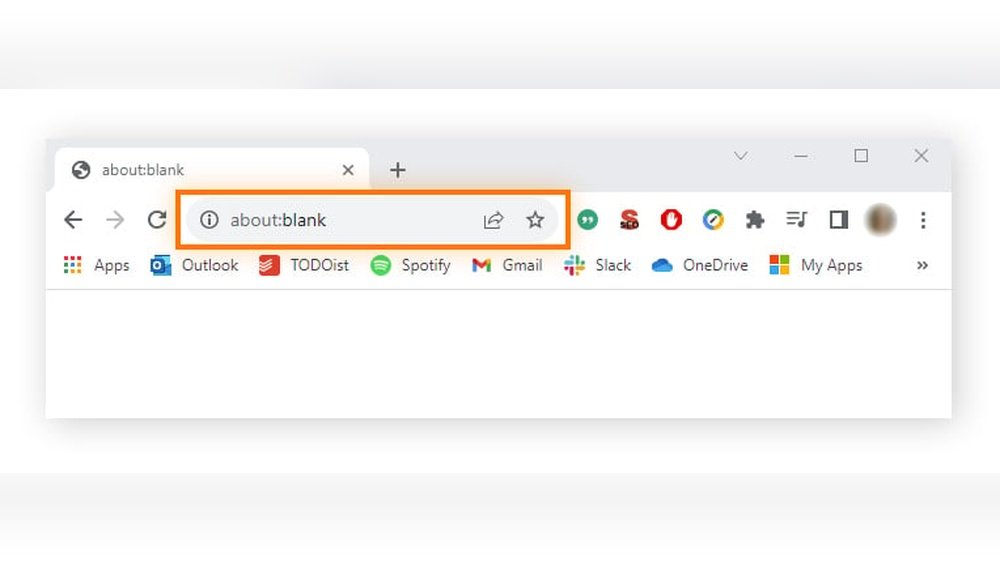
Have you ever opened a new tab in your browser and seen the words “about:blank” staring back at you? You might wonder what it means, why it appears, or if it’s something you should be worried about.
The truth is, “about:blank” is a built-in feature of your browser, designed to show you a completely empty page. But why does your browser show this blank page instead of loading a website? Is it safe, or could it be a sign of something harmful?
You’ll discover what “about:blank” really is, why it appears on your screen, and whether you need to take any action. Keep reading, and you’ll gain a clear understanding of this mysterious page and how it affects your browsing experience.
Credit: www.howtogeek.com
What About:blank Means
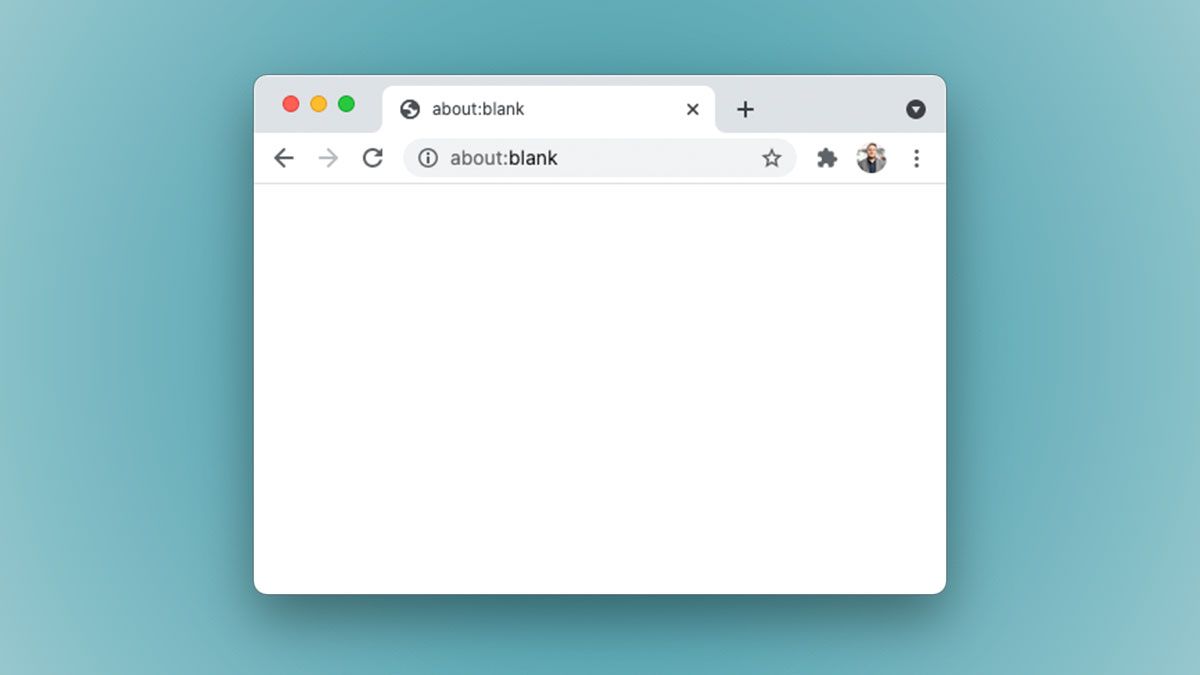
The term about:blank appears in your browser’s address bar. It shows a blank page without any content. This page is not an error or a virus. Instead, it is a built-in feature of web browsers.
Browsers use about:blank to display an empty page quickly. This helps when loading new tabs or starting the browser. It also offers a simple, distraction-free screen for users.
What Does About:blank Represent?
about:blank means a blank page inside your browser. It does not load any website or data. This page has no text, images, or links. It is just a placeholder that browsers can show when needed.
Why Do Browsers Use About:blank?
Browsers use about:blank to open a safe, empty page fast. It helps when no website is set to load automatically. It also works when a browser needs to clear the screen before showing new content.
Is About:blank Safe To Use?
Yes, about:blank is safe. It is part of the browser’s design and not harmful. It does not track your activity or send data. You can use it without worry.
When Does About:blank Appear?
about:blank appears when you open a new tab or window. Sometimes, it shows if a website fails to load. Some users set it as their homepage for a fast, clean start.
How Browsers Use About:blank
The about:blank page is a special blank page built into all web browsers. It acts as a simple, empty page with no content or scripts. Browsers use this page in different ways to improve user experience and security.
This blank page loads instantly because it contains no data. It also helps browsers reset or start fresh without loading any website. Many browsers use about:blank as a default or temporary page in various situations.
Loading A Clean Slate
Browsers often show about:blank to display an empty tab. This happens when a new tab opens, but no website is set to load automatically. It gives users a neutral starting point without distractions.
Blocking Unsafe Content
When a browser blocks a dangerous or suspicious website, it may redirect to about:blank. This stops harmful content from loading. It keeps your device safe from viruses and malware.
Resetting Browser State
Developers use about:blank during programming to clear a page’s content. It helps reset the browser state without closing the tab. This makes testing and debugging easier for web developers.
Setting A Fast Homepage
Some users set about:blank as their homepage. This choice makes the browser open quickly without loading any website. It is useful for slow computers or weak internet connections.
Common Reasons It Appears
The about:blank page often shows up in browsers. It looks like an empty page with no content. This page appears for several common reasons. Understanding these reasons helps to know if it is normal or a problem.
New Tabs And Windows
Browsers open about:blank as a default page for new tabs or windows. It loads fast because it contains nothing. Some users set it as their homepage for quick access. This keeps the browser clean and ready for new input.
Broken Links
Sometimes, clicking a broken or incorrect link leads to about:blank. The browser cannot find the page to load. Instead of showing an error, it shows this blank page. This signals that the link or URL is not working.
Blocked Pages
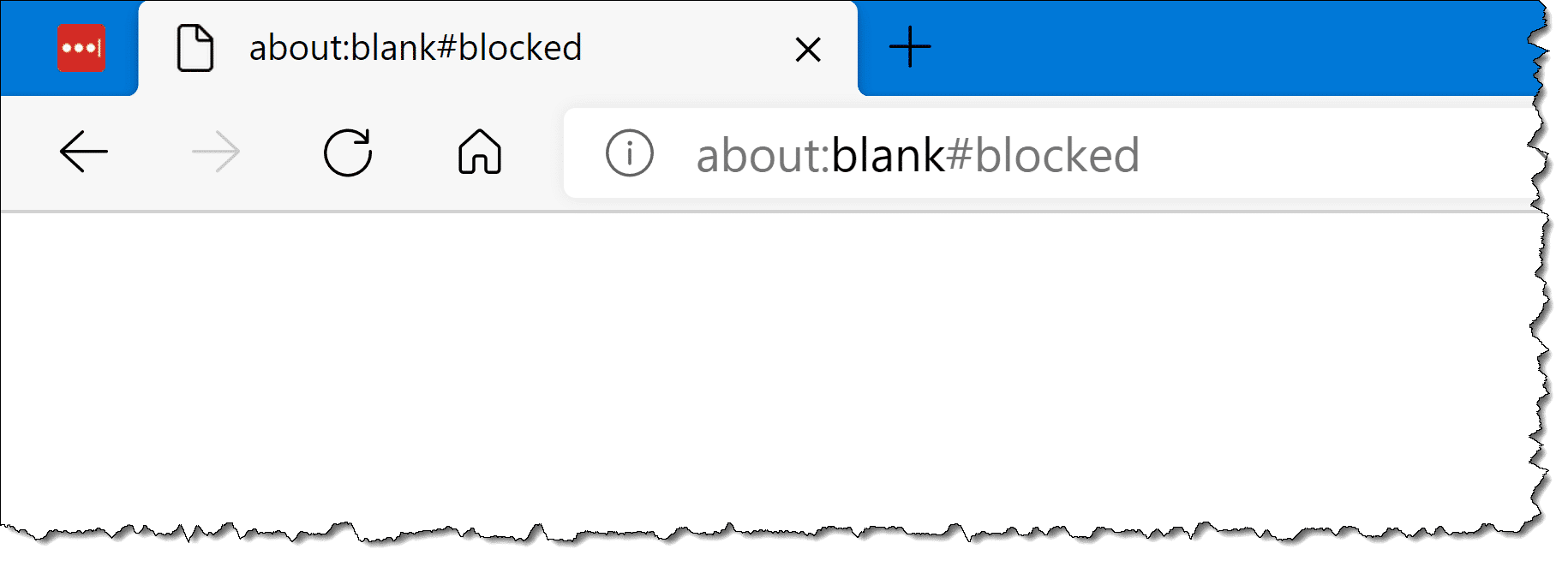
Security software or browser settings can block certain pages. When a page is blocked, the browser may display about:blankblocked. This protects users from harmful or unsafe content. It acts as a safe landing page instead of the blocked site.
Is About:blank Safe?
Is about:blank safe? Many users see this page and feel unsure. The simple answer is yes. This page is a normal part of your browser. It does not contain viruses or malware. It is an empty page your browser shows by design. Understanding this can help ease any worries.
What Does About:blank Mean?
The about:blank page is a blank page inside your browser. It appears when no website loads. Sometimes it shows when you open a new tab or a new window. It acts as a placeholder. This page uses no data or resources.
Can About:blank Harm Your Computer?
about:blank cannot harm your computer. It has no code that can cause damage. It is not a website or file. It is a safe, built-in browser page. No viruses or malware come from about:blank.
When Does About:blank Appear?
This page appears in many cases. For example, when you open a new tab manually. Or when your browser stops loading a page. Some users set it as their homepage. It loads faster than a normal website.
How To Handle About:blank Pages?
You do not need to remove about:blank. It does not cause problems. If you want, you can change your homepage in settings. Otherwise, you can simply ignore this page. It is just a blank space in your browser.
Malware And About:blank Connection
The connection between malware and the about:blank page often causes confusion. This blank page can appear harmless but sometimes signals deeper issues. Malware can exploit about:blank to hide its activity or mislead users.
Understanding how malware uses about:blank helps protect your device. It is not always a virus, but caution is necessary.
How Malware Uses About:blank
Malware can load malicious scripts through about:blank. It acts as a blank canvas for harmful code. This trick hides malware from normal browser checks. Users might see a blank page while malware runs in the background.
Signs About:blank May Be Malware
Frequent and unexpected about:blank pages can signal infection. Pop-ups or redirects to about:blank might indicate malware activity. Slow browser performance or crashes alongside about:blank can be warning signs.
How To Protect Against Malware Using About:blank
Keep your browser and antivirus software updated. Avoid clicking unknown links that open about:blank. Scan your system regularly for malware. Clearing browser cache and resetting settings can remove unwanted about:blank behavior.
Credit: askleo.com
About:blankblocked Explained
The term about:blankblocked appears in your browser when a webpage is blocked. This page is a safety feature in most modern browsers.
It shows up to stop harmful or suspicious content from loading. The browser uses this blank page to protect your device and data.
Understanding why about:blankblocked appears helps you stay safe online. It is not a virus or malware.
What Causes About:blankblocked To Appear?
This page often appears because a website tried to load unsafe scripts or content. Some sites have long or malformed URLs that trigger this block.
Browsers block these pages automatically to prevent possible attacks or scams. The block is a precaution, not a sign of infection.
Can You Remove About:blankblocked?
You cannot fully remove or disable the blocked page. It is part of the browser’s security system. You can, however, clear your browser cache or check your extensions.
Fixing unsafe site permissions or updating your browser may reduce these blocks. But the feature itself remains active for protection.
How To Handle About:blankblocked Safely
Do not ignore the blocked page. It warns you about risky web content. Avoid trying to bypass the block or visit the unsafe URL again.
Use trusted websites and keep your browser updated. Scan your device with antivirus software regularly to stay secure.
Using About:blank As Homepage
Setting about:blank as your homepage creates a simple, empty start page in your browser. This page loads instantly without any content or ads. It offers a clean slate every time you open your browser.
Many users choose about:blank as their homepage to speed up browsing. It helps avoid distractions and reduces data use. This is especially useful on slow internet connections or older computers.
What Does Using About:blank As Homepage Mean?
Using about:blank means your browser opens with a blank page. There is no website or search bar shown by default. This can make your browser feel faster and less cluttered.
How To Set About:blank As Your Homepage
Open your browser’s settings menu. Find the section for homepage or startup pages. Enter about:blank as the homepage address. Save the changes and restart your browser to see the effect.
Benefits Of Using About:blank As Homepage
about:blank loads instantly with no content. It keeps your browsing private by not showing any previous data. It also prevents unwanted pop-ups or ads on startup.
Who Should Use About:blank As Homepage?
This homepage suits users who want a fast, distraction-free browsing start. It works well for those with slow internet or limited data plans. Also, it helps people who prefer to open specific sites manually.
How To Remove About:blank
The about:blank page sometimes appears unexpectedly in your browser. It can be annoying if it opens every time you start your browser. Removing about:blank involves simple steps you can follow. These steps help restore your normal browsing experience quickly.
Changing Browser Settings
Open your browser settings menu. Find the section labeled “On startup” or similar. If about:blank is set as your homepage, remove it. Choose a specific page or set of pages to open instead. Save the changes and restart your browser. This stops about:blank from loading automatically.
Checking For Malware
Malware can cause about:blank to appear unexpectedly. Run a full scan using trusted antivirus software. Remove any threats that the scan finds. Keep your antivirus updated for better protection. After cleaning, restart your browser to check if about:blank is gone.
Why About:blank Can Indicate Issues
The about:blank page often appears as a blank browser screen. It may seem harmless but can signal underlying problems. Understanding these signs helps keep your browser safe and running smoothly.
Sometimes, about:blank shows up due to browser errors or blocked content. It can also point to malware or other security risks. Watching for these signs helps you act quickly.
Malware And Security Threats
Malicious software can use about:blank to hide harmful scripts. Some viruses redirect browsers to about:blank to avoid detection. Seeing this page unexpectedly may mean your device is at risk.
Browser Configuration Errors
Incorrect browser settings might cause about:blank to load. A wrong homepage or startup page can trigger this blank screen. Fixing settings usually restores normal browsing behavior.
Blocked Or Restricted Webpages
Some websites block content for security or policy reasons. The browser may show about:blank instead of the restricted page. This protects your device from unsafe or harmful content.
Extension Or Add-on Conflicts
Browser extensions can sometimes interfere with page loading. When conflicts occur, about:blank might appear unexpectedly. Disabling or updating extensions can resolve these issues.
Credit: www.avast.com
Tips To Manage About:blank Occurrences
Managing the appearance of about:blank pages can improve your browsing experience. These pages often show up unexpectedly, causing confusion. Understanding simple ways to control them helps maintain smooth internet use.
Follow these practical tips to handle about:blank occurrences effectively. They help keep your browser organized and reduce interruptions while browsing.
Change Your Browser’s Startup Settings
Set your browser to open a specific website instead of about:blank. Go to settings and find the startup options. Remove about:blank from the list and add your preferred homepage. This stops about:blank from showing up every time you open the browser.
Clear Browser Cache And Cookies Regularly
Old cache and cookies can trigger about:blank pages. Clear your browser data often to avoid this. This process removes unwanted files and improves browser performance. It also helps fix loading errors that cause about:blank to appear.
Scan For Malware And Unwanted Extensions
Malware or bad browser extensions may cause about:blank pages. Run a full antivirus scan to detect threats. Remove suspicious extensions from your browser settings. Keeping your system clean prevents unwanted redirects to about:blank.
Update Your Browser To The Latest Version
Using an outdated browser can increase about:blank occurrences. Always update your browser to the newest version. Updates fix bugs and improve security. This keeps your browsing safe and reduces empty page loads.
Reset Browser Settings To Default
Resetting your browser can fix persistent about:blank problems. It restores default settings and removes changes causing issues. Use the reset option in browser settings carefully. This method clears unwanted modifications without deleting bookmarks.
Frequently Asked Questions
How Do I Get Rid Of About Blank In Chrome?
Open Chrome settings, go to “On startup,” select “Open a specific page,” then remove about:blank from the list.
Why Is About Blank Blocked?
About:blank is blocked when a website is restricted or unsafe. It appears as a security measure by your browser.
What Is The Point Of About:blank?
The about:blank page is a built-in, empty browser page used as a default or placeholder. It loads quickly and appears when no other page is available or during new tabs, failed links, or blocked sites. It helps improve browser performance and user experience.
Why Is About Blank A Thing?
The about:blank page is a built-in browser feature showing a blank page as a default or fallback. It helps load empty tabs quickly and prevents errors when no webpage loads. It is safe, not a virus, and often used for starting fresh or troubleshooting browser issues.
What Does About:blank Mean In A Web Browser?
About:blank is a special blank page built into all browsers for empty tabs or safe pages.
Is About:blank A Virus Or Safe To Use?
About:blank is completely safe and not a virus. It is just a blank page.
Why Does My Browser Open With About:blank?
Browsers open about:blank when no homepage is set or to save resources during startup.
Can I Set About:blank As My Homepage?
Yes, setting about:blank as your homepage makes the browser open a fast, empty page.
What Causes About:blankblocked To Appear?
About:blankblocked shows when a website is blocked for security or URL errors in a browser.
How Do I Remove About:blank From Chrome Startup?
Go to Chrome Settings > On Startup, then remove about:blank from the list of pages.
Conclusion
The about:blank page is a simple browser feature. It acts as a blank space when no website loads. This page is safe and not a virus. Seeing it often may mean other issues exist. You can set it as your homepage if you want.
Understanding about:blank helps you use your browser better. It keeps your browsing experience smooth and clear.