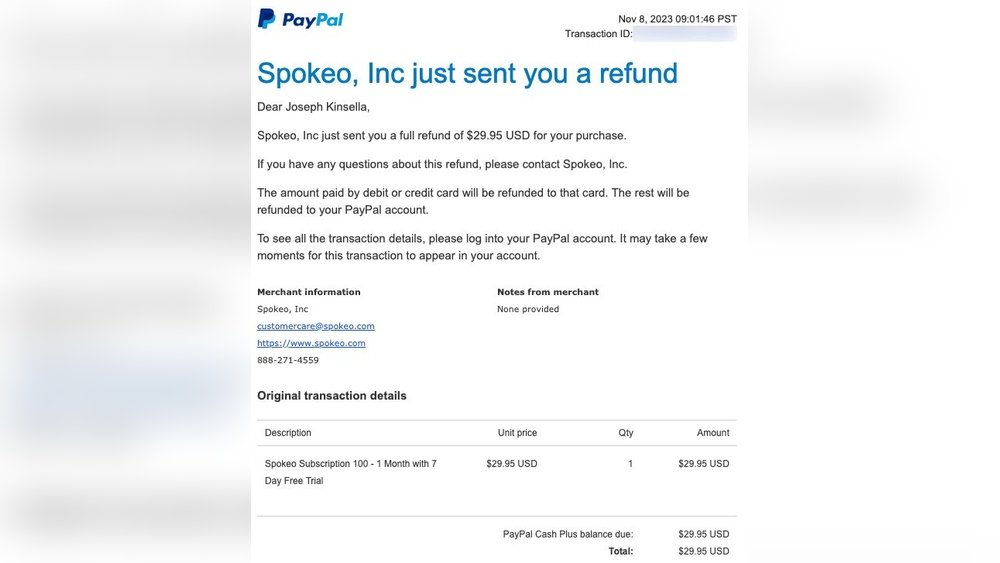
To cancel Spokeo, sign in to your account, scroll to Manage Account and select Cancel. If Cancel is missing, use the Contact Form to request membership termination.
Spokeo’s official cancellation instructions explain both routes. After cancellation, auto-renewal stops and a confirmation email should be sent to the address on file.
This guide explains how to cancel a Spokeo membership through its official account page, how to use the support form if the Cancel button is missing, and how to verify that future renewals have stopped.
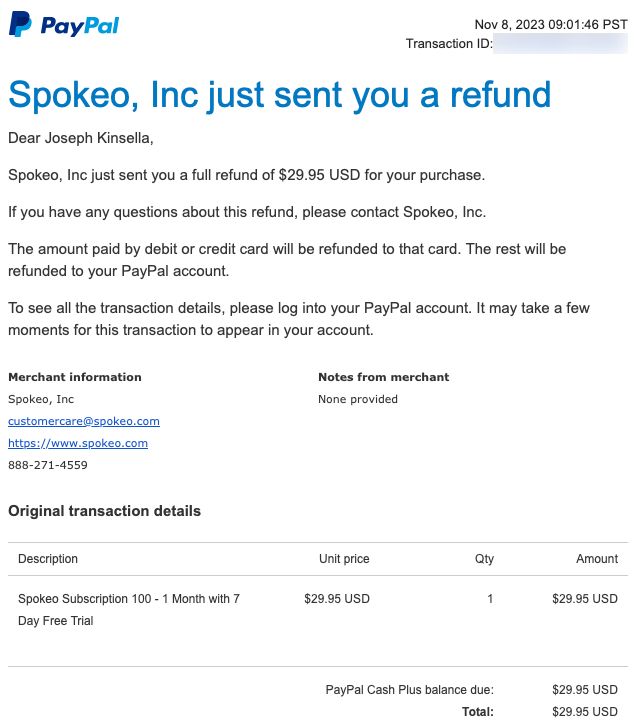
Source: joekinsella.me
Step-by-step overview: How Do I Cancel My Spokeo Subscription
Follow these steps to cancel fast. Each step is short and clear.
- Sign in to your Spokeo account.
- Go to Account or Manage Subscription.
- Find the active plan and pick Cancel or Turn Off Auto-Renew.
- Confirm the cancellation when prompted.
- Keep the confirmation email or screenshot.
If you used Apple or Google to subscribe, cancel in the App Store or Google Play instead. If you cannot sign in, contact Spokeo support and ask them to cancel the recurring charge. Keep proof of your request.

Source: youtube.com
Cancel on the Spokeo website
The account-page steps below follow Spokeo’s official support article. For another people-search service, see our TruthFinder cancellation guide.
- Sign in to your Spokeo account at the website.
- Open your Spokeo Account page and scroll to Manage Account.
- Select Cancel. If the button is missing, use the Contact Form in Manage Account.
- In the Contact Form, choose I would like to terminate my membership, then Terminate Now.
- Confirm the cancellation and save the confirmation.
After you cancel, log out and check your email for a confirmation message. If the page shows no active subscription, take a screenshot of the account page. This helps if a charge appears later.
Source: netreputation.com
Cancel via App Store or Google Play
If you subscribed through your phone, use the store to cancel. Spokeo cannot cancel these for you.
- For iPhone: Open Settings > your name > Subscriptions > select Spokeo > Cancel Subscription.
- For Android: Open Google Play app > profile > Payments & subscriptions > Subscriptions > select Spokeo > Cancel subscription.
- Check the store confirmation email to keep as proof.
Remember: refunds for store subscriptions are handled by Apple or Google. Ask the store for a refund if you believe you were billed incorrectly.

Source: spokeo.com
Requesting refunds and checking charges
Cancelling stops future billing. It may not automatically refund past charges.
- Review your bank or card statement for the Spokeo charge date and amount.
- If you cancel within a trial, check trial terms. Trials may convert to paid plans on the last day.
- Request refunds through Spokeo support or the app store, depending on how you paid.
- Keep records: confirmation emails, screenshots, and billing statements.
Refunds are reviewed case-by-case. Provide clear details: date, amount, and reason. This speeds up the process.

Source: youtube.com
Troubleshooting common cancellation problems
You might hit a block. Here are fixes that worked for me and others.
- Can’t find Manage Subscription: Clear your browser cache and try again. Use a desktop browser if mobile site hides options.
- No access to account: Use the password reset link. If email access is lost, contact support with ID and payment proof.
- Charge still appears after cancel: Wait one billing cycle and show proof of cancellation to support.
- Subscribed via promo or third party: Check the billing descriptor on your bank to see who charged you.
Record all interactions. If email replies stall, escalate by replying and asking for a supervisor. Stay calm and factual.
Source: spokeo.com
Personal experience and practical tips
I canceled a Spokeo subscription once after a trial. I followed three simple rules that helped.
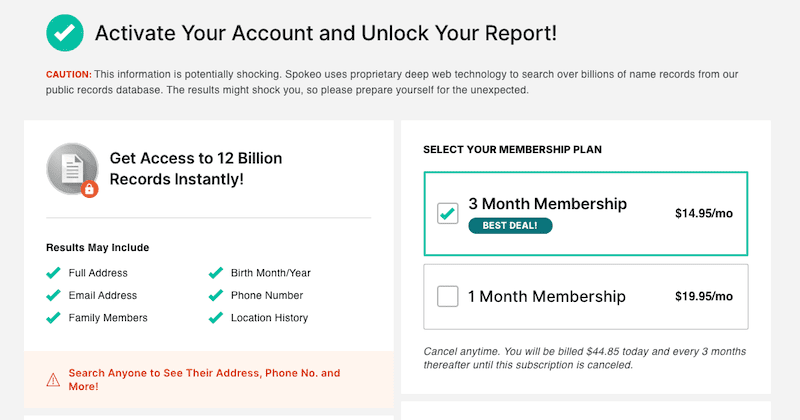
- Act before the trial ends. Trials often auto-renew.
- Save every confirmation. A screenshot or email prevented extra fees later.
- Check the billing source on your statement. That told me whether to contact Spokeo or the app store.
One mistake I made was waiting until after the renewal date. I paid an extra month. Learn from that: cancel early and confirm you see the “canceled” status.
Source: netreputation.com
Legal rights and subscription best practices
Know your rights and how to protect your money.
- You may be entitled to a refund under consumer laws in your state or country.
- For bank disputes, your bank can help with chargebacks if the vendor won’t help.
- Keep records for 90 days after cancellation. They help with disputes.
- Use a card that you can control, like a virtual card, for trials to reduce surprise charges.
If you suspect fraud, report the charge to your bank immediately. Use clear, dated notes when you talk to support.

Source: youtube.com
Frequently Asked Questions of How Do I Cancel My Spokeo Subscription
How can I tell if I subscribed through the App Store or Spokeo website?
Check your bank or card statement. If the charge shows Apple or Google, cancel in the App Store or Google Play. If it shows Spokeo, cancel on the Spokeo website.
Will I get a refund after I cancel my Spokeo subscription?
Refunds are not guaranteed. Request a refund and provide billing details; app stores handle refunds for their purchases and may offer different rules.
What if I forgot my Spokeo password and need to cancel?
Use the password reset link on the sign-in page to regain access. If that fails, contact Spokeo support and send proof of payment to request cancellation.
How long does it take for cancellation to take effect?
Cancellation usually stops future charges immediately but may allow access until the period ends. Check the confirmation email for exact timing.
Can I get help canceling with my bank or credit card?
Yes. If the vendor will not cancel or refund, you can dispute the charge with your bank or card issuer and provide your cancellation proof.
Conclusion
Stopping an unwanted subscription can be quick and simple when you know what to do. Follow the clear steps above to cancel, save your proof, and ask for refunds if needed. Take action now: sign in, cancel, and keep a copy of the confirmation. If this guide helped, try the steps and leave a comment with your experience or questions.





