
You can downgrade an Android app by installing an older APK or using ADB with the -d flag.
I’ve spent years fixing apps and phones, and I’ll walk you through exactly how to downgrade Android apps safely. This guide explains what downgrading means, why you might do it, the tools and steps for each method (Play Store, APK install, ADB, root), and clear precautions so you don’t lose data or break your device. You’ll get step-by-step examples, troubleshooting help, and real-world tips from my experience so you can downgrade Android apps with confidence.
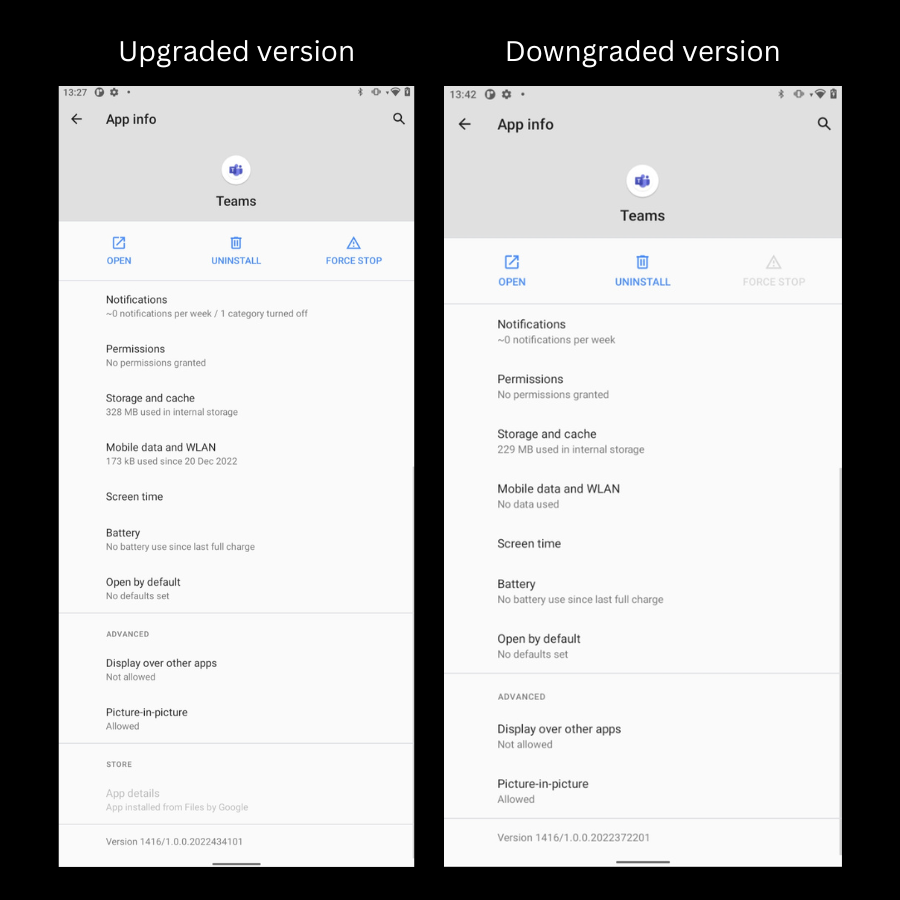
What it means to downgrade an Android app
Downgrading an Android app means replacing a newer app version with an older version. It restores behavior, layout, or features from a prior release.
Downgrading is different from updating. Updates push new code and data changes. Downgrading may clash with stored app data or app signatures, so it needs care. Knowing how to downgrade Android apps helps when updates introduce bugs, remove features, or degrade performance.
Why you might want to downgrade Android apps
Many people seek how to downgrade Android apps to fix problems fast. Reasons include:
- Restore a stable UX after a broken update.
- Recover features removed by the developer.
- Improve battery life or performance lost in a new release.
- Use older UI or accessibility features that matter to you.
From my experience, the most common reason I’ve seen is an update that causes crashes or removes a favorite setting. Downgrading can be a quick fix while waiting for an official patch.

Precautions and preparation before you downgrade Android apps
Downgrading can break app data or create security risks. Take these steps first:
- Back up app data. Use the app’s cloud backup or a local backup tool.
- Note the package name and current app version. This helps match the right old APK.
- Enable Install unknown apps in Settings if you will use an APK.
- Understand signature checks: apps signed with different keys won’t install over each other.
- Keep your device security in mind. Older app versions may lack security fixes.
A mistake I once made: I downgraded a productivity app without exporting settings. The app’s database schema changed between versions and I lost local notes. Now I always export or back up before any downgrade.

Methods to downgrade Android apps
There are several safe ways to downgrade Android apps. Choose based on your technical comfort and device state.
Uninstall updates via system settings (for preinstalled/system apps)
- Open Settings > Apps > select the app.
- Tap the three-dot menu or app entry and choose Uninstall updates.
This restores the factory version for system apps only and won’t work for Play Store apps you installed.
Install older APK from a trusted source
- Find a reputable APK for the exact app version.
- Allow Install unknown apps for the browser or file manager you use.
- Uninstall the current app if the signature differs, then install the older APK.
This is the most common method to learn how to downgrade Android apps. Be careful with sources and check APK signatures.
Use ADB to force a downgrade
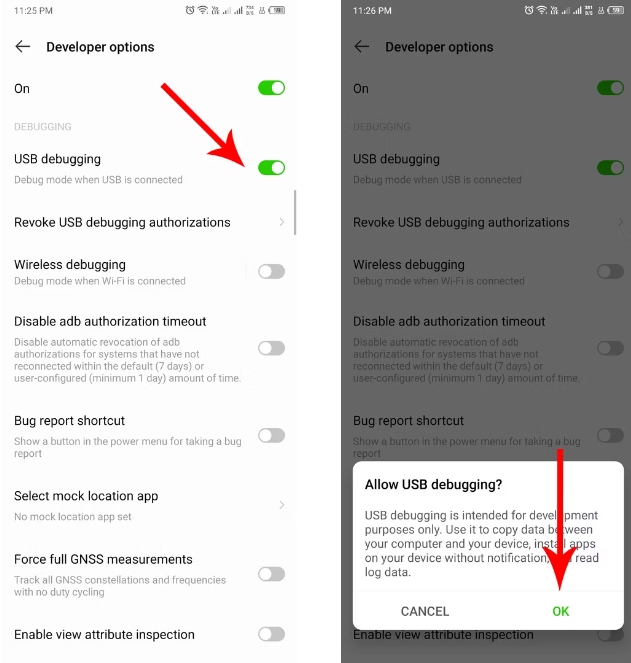
- Enable Developer Options and USB debugging.
- On your PC, use platform-tools.
- Run: adb install -r -d path/to/oldversion.apk
The -r replaces the app. The -d allows version code downgrade if signatures match. This method is fast and scriptable.
Rooted device methods
- With root, you can remove or replace APKs directly or use tools like Titanium Backup to restore older versions and data.
Root gives full control but increases risk. Only use this if you understand root security and warranty implications.
Each method has trade-offs. Signature mismatches, changed databases, or Play Store auto-updates can undo your downgrade if not handled correctly.
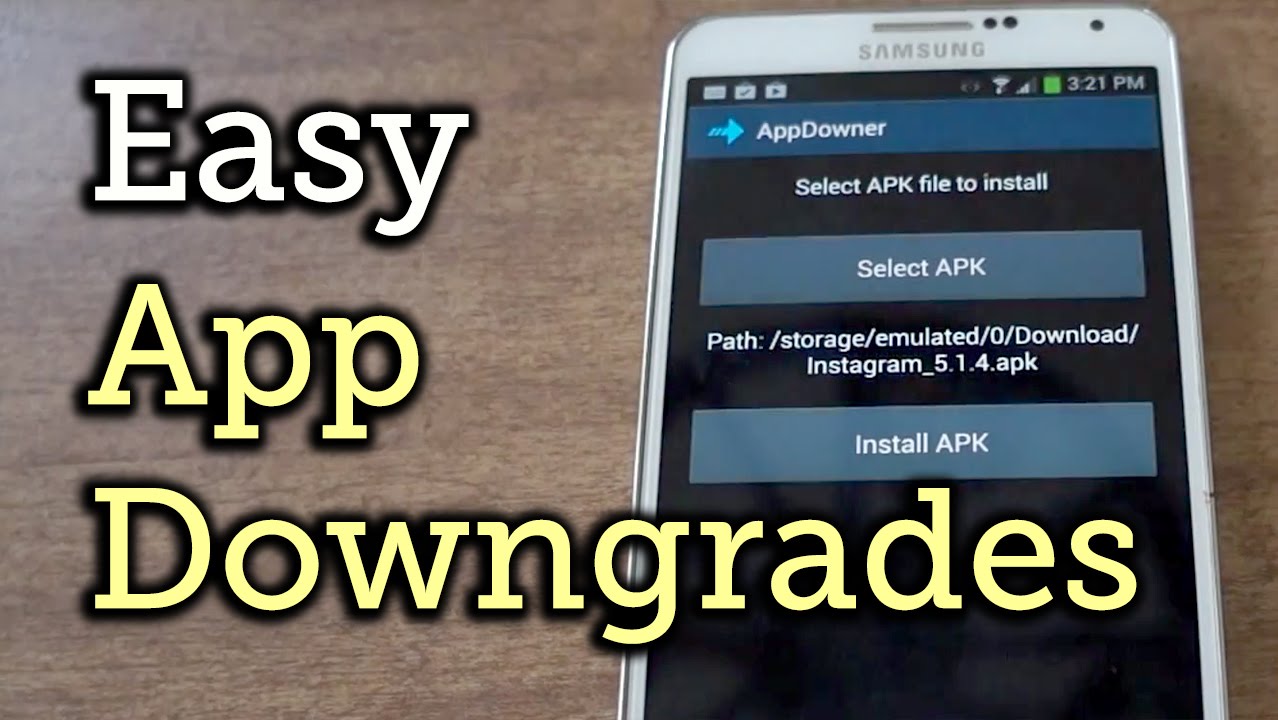
Step-by-step: Downgrade using APK (practical example)
This example shows how to downgrade Android apps using an APK file safely.
- Back up the app data or export settings.
- Find the exact older APK version for the app package. Verify checksums if possible.
- On your phone open Settings > Apps > select the app > Force stop and then Uninstall if signature mismatch prevents install.
- Enable Install unknown apps for your browser or file manager.
- Tap the APK file and follow prompts to install.
- Open the app and restore any backups if needed.
- Disable installations from unknown sources afterward.
This sequence is how to downgrade Android apps without ADB. It works for most user-installed apps when the older APK shares the same signature or when you uninstall first.
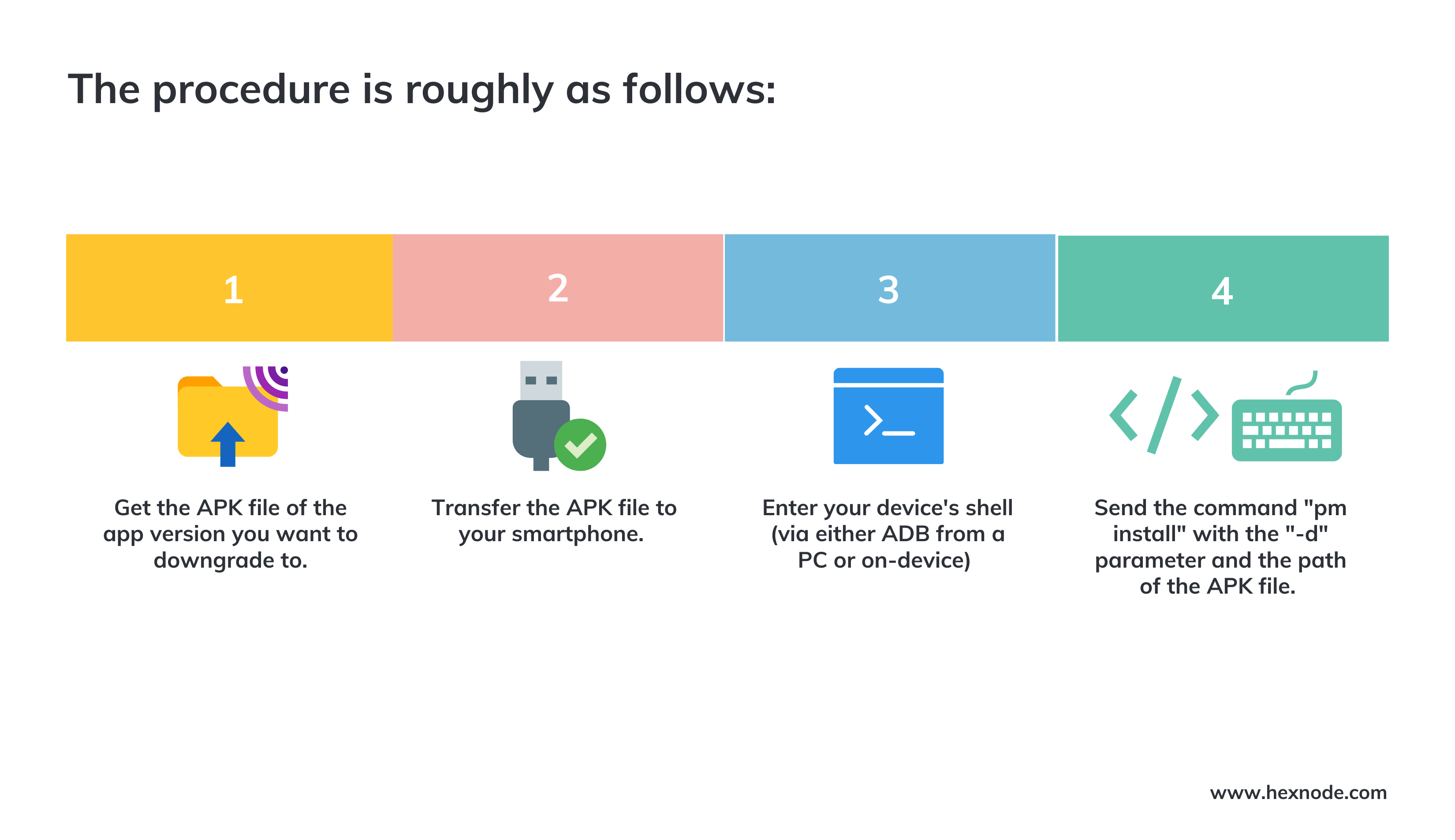
Step-by-step: Downgrade using ADB (practical example)
ADB is helpful if you want a command-line option to downgrade Android apps.
- Enable Developer Options and turn on USB debugging.
- Install Android platform-tools on your computer.
- Connect phone and verify with adb devices.
- Use adb install -r -d path/to/old.apk to replace and allow downgrade.
- If install fails due to signature, run adb uninstall package.name and then install again.
- Revoke USB debugging if you want more security after the process.
ADB is reliable for how to downgrade Android apps when you need control over the install process.

Troubleshooting when downgrading Android apps
Downgrades sometimes fail. Here are common issues and fixes:
- Signature conflict or INSTALL_FAILED_UPDATE_INCOMPATIBLE: Uninstall the current app, then install the older APK.
- Parsing error or incompatible APK: Download a different APK built for your Android version.
- App crashes after downgrade: Clear app cache and data, then restore a backup. Older versions may need older app data formats.
- Play Store auto-updates the app back: Disable auto-updates for the app in Play Store settings or uninstall Play Store updates temporarily.
- Loss of app features or data: Restore from a pre-downgrade backup if you made one.
These tips reflect real-world problems I’ve fixed while showing people how to downgrade Android apps. If you’re unsure, test on a secondary device or create a full backup first.

PAA-style questions people often ask
Can I downgrade any Android app?
Yes and no. Apps that are system apps or have signature mismatches are harder to downgrade; user apps can often be downgraded with an APK or ADB if signatures match.
Will downgrading erase my app data?
It can. Data schema changes between versions may cause crashes or data loss. Always back up app data before you downgrade Android apps.
Is it safe to install APKs from the internet?
Only if you use trustworthy sources and verify signatures or checksums. Avoid unknown sites and check user feedback where possible.

Frequently Asked Questions of how to downgrade android apps
How do I downgrade an app from the Play Store?
You can’t directly install older versions from the Play Store. For system apps you can uninstall updates in Settings, or you must use an older APK or ADB to downgrade Android apps.
Will downgrading void my warranty?
Downgrading an app does not void device warranty. Rooting the phone or altering system partitions can affect warranty, so avoid root if you want to keep warranty intact.
What if the older version asks to upgrade on launch?
Some apps force updates or block older versions from working. In such cases you can’t use the older app long-term unless the developer allows older versions.
Can I downgrade without losing app purchases or subscriptions?
Purchases tied to an account usually remain accessible, but local data may be lost. Ensure you log into the same account and back up important data before downgrading Android apps.
How can I prevent Play Store from updating an app I downgraded?
Open Play Store > app page > tap the three dots and uncheck Auto-update. This stops automatic updates for that app.
What is the safest method to downgrade Android apps?
Using backups and installing older APKs from trusted sources is safe when done carefully. For more control, use ADB with the -r -d options for a repeatable and auditable process.
Conclusion
Downgrading Android apps can quickly restore stability, old features, or better performance when a new update breaks things. Back up data, choose the right method (APK, ADB, or system uninstall), and understand signature and compatibility limits before you try. Try steps on a test device if possible, then apply them confidently on your main phone.
Take action now: back up your important apps, pick a safe method from this guide, and try a controlled downgrade. If this helped, leave a comment about your app and version so others can learn from your experience.