Use trusted APK sites, enable install unknown apps, verify files, then sideload safely.
I have spent years testing Android installs and app stores for work and for fun. This guide explains how to download apps without Google Play in clear, safe steps. You will learn why people sideload, which alternative stores are trustworthy, how to enable installs on modern Android, how to verify APKs, and how to avoid common risks. Expect step-by-step instructions, practical tips I learned firsthand, and quick fixes for common errors.
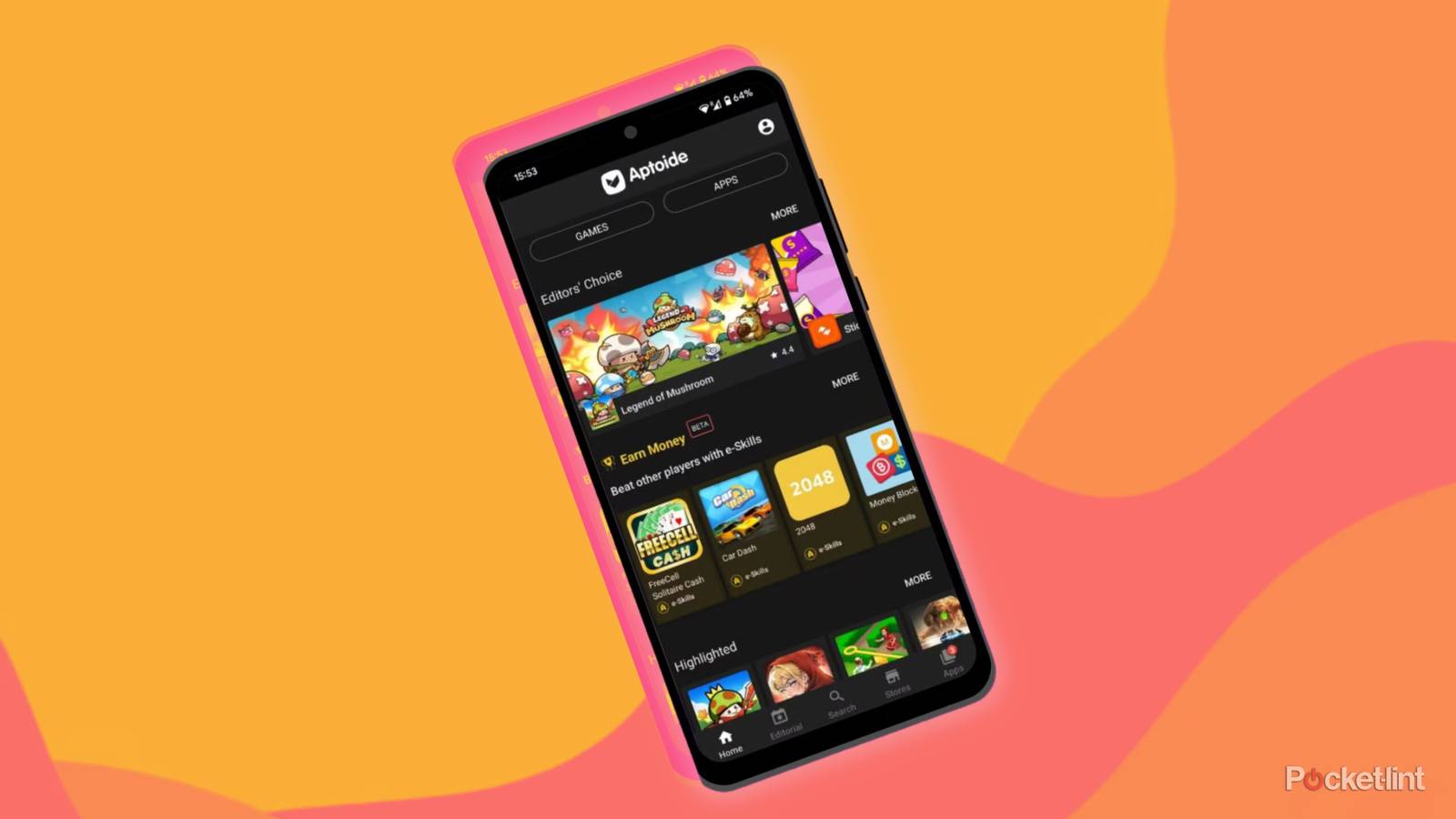
Why people choose to download apps without Google Play
Many users want apps not available on Play. Regional limits, app removals, custom ROMs, or devices without Google services push people to look elsewhere. Developers sometimes publish beta builds outside Play. Some open-source apps prefer independent distribution.
Understanding how to download apps without google play helps you stay in control. It also helps you keep privacy and security in view. I’ll explain the safe ways and the real trade-offs.

Safe methods to download apps without Google Play
Here are practical paths to get apps outside Google Play. Each method has pros and cons.
Use an official alternative app store.
- Examples include vendor stores on some phones or the Amazon Appstore. They offer curated apps and updates.
Use an open-source repository like F‑Droid.
- F‑Droid hosts free and open apps. It favors privacy and source code transparency.
Use reputable APK archives (mirror sites).
- Sites that vet files and match signatures reduce risk. They are a good choice for popular apps and older versions.
Sideload direct APKs from developers.
- Developers sometimes provide APKs on their official sites. This can be secure if the developer is trusted.
Install via ADB or local file managers.
- ADB lets you install from a computer. It is useful for development or devices with limited UI.
Use Progressive Web Apps (PWAs) or web versions.
- If an app has a PWA, you can add it to your home screen without any store.
Each method needs care. When you learn how to download apps without google play, pick the safest route first.
Step-by-step: how to download apps without google play by sideloading APKs
Follow these steps to sideload an APK safely.
Prepare your device.
- Back up important data first. Install updates to the OS and apps.
Find a reputable source.
- Use the official developer site, a known mirror, or a trusted alternative store.
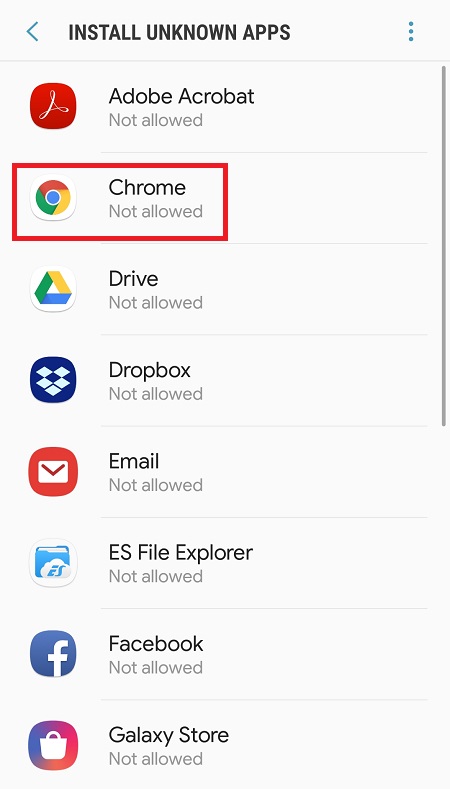
Enable installation from unknown sources (Android 8+).
- Go to Settings > Apps & notifications > Special app access > Install unknown apps.
- Grant permission to the browser or file manager you will use.
Download the APK file.
- Keep the file in Downloads or a folder you can find. Check the file size.
Verify the APK.
- Check the developer signature if available.
- Compare the checksum (SHA‑256) with the value the developer provides.
- Optionally upload the APK to an online scanner before installing.
Install the app.
- Open the APK from your file manager and tap Install.
- If prompted, allow the app to access what it needs. Refuse unnecessary permissions.
Revoke the unknown apps permission.
- After install, go back to settings and turn off install rights for that app.
Update safely.
- Manual installs require manual updates. Revisit the same trusted source for updates.
I recommend testing apps in a separate user profile or on a spare device for high-risk apps. Knowing how to download apps without google play includes checking signatures and revoking permissions right away.
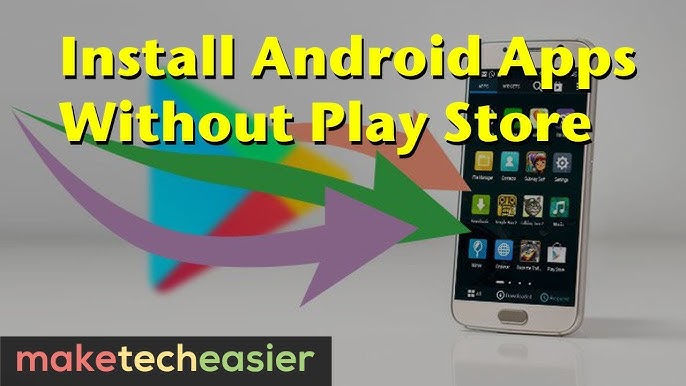
Alternative app stores and repositories: pros and cons
This list helps you choose where to get apps outside Google Play.
Amazon Appstore
- Pros: Curated, offers paid apps and refunds.
- Cons: Not every app is available; requires Amazon account.
Samsung Galaxy Store
- Pros: Preinstalled on many Samsung phones and vetted.
- Cons: Limited to Samsung devices.
F‑Droid
- Pros: Open-source apps and privacy-friendly.
- Cons: Smaller catalog; not all proprietary apps are present.
APK mirrors and archives
- Pros: Easy access to old app versions and APKs.
- Cons: Risky if the site does not vet files.
Alternative third-party stores (use with caution)
- Pros: Wide selection and region-free downloads.
- Cons: Higher risk of malicious apps and bloatware.
When learning how to download apps without google play, prioritize stores that publish signatures and checksums. That makes verification possible.
Security best practices when you download apps without Google Play
Security is the main concern when you sideload. Use these rules every time.
Verify the source first.
- Only download from official developer pages, trusted mirrors, or vetted stores.
Check cryptographic hashes.
- Compare SHA‑256 or MD5 values with the developer’s published hash.
Scan files before install.
- Use an online scanner or a local antivirus app to check the APK.
Inspect app permissions.
- Deny permissions that don’t match the app’s purpose.
Use separate user profiles.
- Put sideloaded apps in a secondary user or work profile when possible.
Keep apps updated manually.
- Install updates from the same trusted source. Do not accept random third-party links.
Avoid sensitive apps via sideload.
- Banking and payment apps are safer only from official stores.
Revoke install permissions after use.
- Turn off the Install unknown apps permission for the browser or file manager.
From my experience, a quick hash check catches many fake apps. I once avoided a fake tool by matching hashes and checking the developer site. That extra 60 seconds can save a lot of trouble.
Troubleshooting common issues when sideloading
Here are fixes for problems you may see.
APK won’t install.
- Check if the APK is corrupted. Re-download and verify hash. Also check Android version compatibility.
“App not installed” error.
- This can mean a signature mismatch or a duplicate app with a different signature. Uninstall the Play version first if safe.
Play Protect or system blocks the install.
- You can temporarily allow installs for your browser. Only do this for trusted files.
App crashes after install.
- Clear app data and cache. If crashes continue, try an older or newer APK version.
Missing features or updates.
- Some sideloaded apps rely on Google Play services. They may not work fully on devices without Google services.
These steps helped me fix issues on different phones. Testing on a spare device first reduces risk.

Personal experience and lessons learned
I once needed a travel app removed from Play for a work trip. I found the APK on the developer’s site and checked the SHA‑256. I scanned it with an online tool and installed it in a guest profile. The app worked well and I kept it up to date manually.
Lessons I learned:
- Always back up before major installs.
- Match hashes; do not skip this step.
- Use a separate profile for third-party apps.
These simple habits will keep your phone safer when you learn how to download apps without google play.

Frequently Asked Questions of how to download apps without google play
Is it safe to download apps without Google Play?
It can be safe if you use trusted sources, verify signatures, and scan files before installation. Avoid unknown sites and give minimal permissions.
How do I enable installs from unknown sources on Android 11 or later?
Go to Settings > Apps & notifications > Special app access > Install unknown apps. Grant the browser or file manager permission and revoke it after install.
Are there legal issues when I download apps without Google Play?
Downloading apps from official developer sites or licensed stores is legal. Avoid pirated apps and respect app licenses to stay within the law.
Can sideloaded apps receive updates automatically?
Most sideloaded apps do not update through Google Play. You must update them manually or use a trusted alternative store that handles updates.
How do I verify an APK before installing it?
Compare the APK’s SHA‑256 hash with the one the developer publishes. You can also upload the file to a reputable online scanner to check for malware.
Will apps from third‑party stores work on my phone?
Many will work, but some need Google Play services. Devices without Google services may lose some app features or push notifications.
Conclusion
Sideloading gives you freedom to install apps not on Google Play. It also adds responsibility. Follow safe methods, verify APKs, and limit permissions. Test risky apps in a separate profile and keep your device backed up.
Start by practicing on one trusted app. Apply the verification steps each time. If this guide helped, try a safe sideload today, subscribe for more tips, or leave a comment with your experience.





